The blocks on our work page do not come from a 3D file. They are cut in code every time the page loads, and the page never links a shader inside a frame it is drawing.
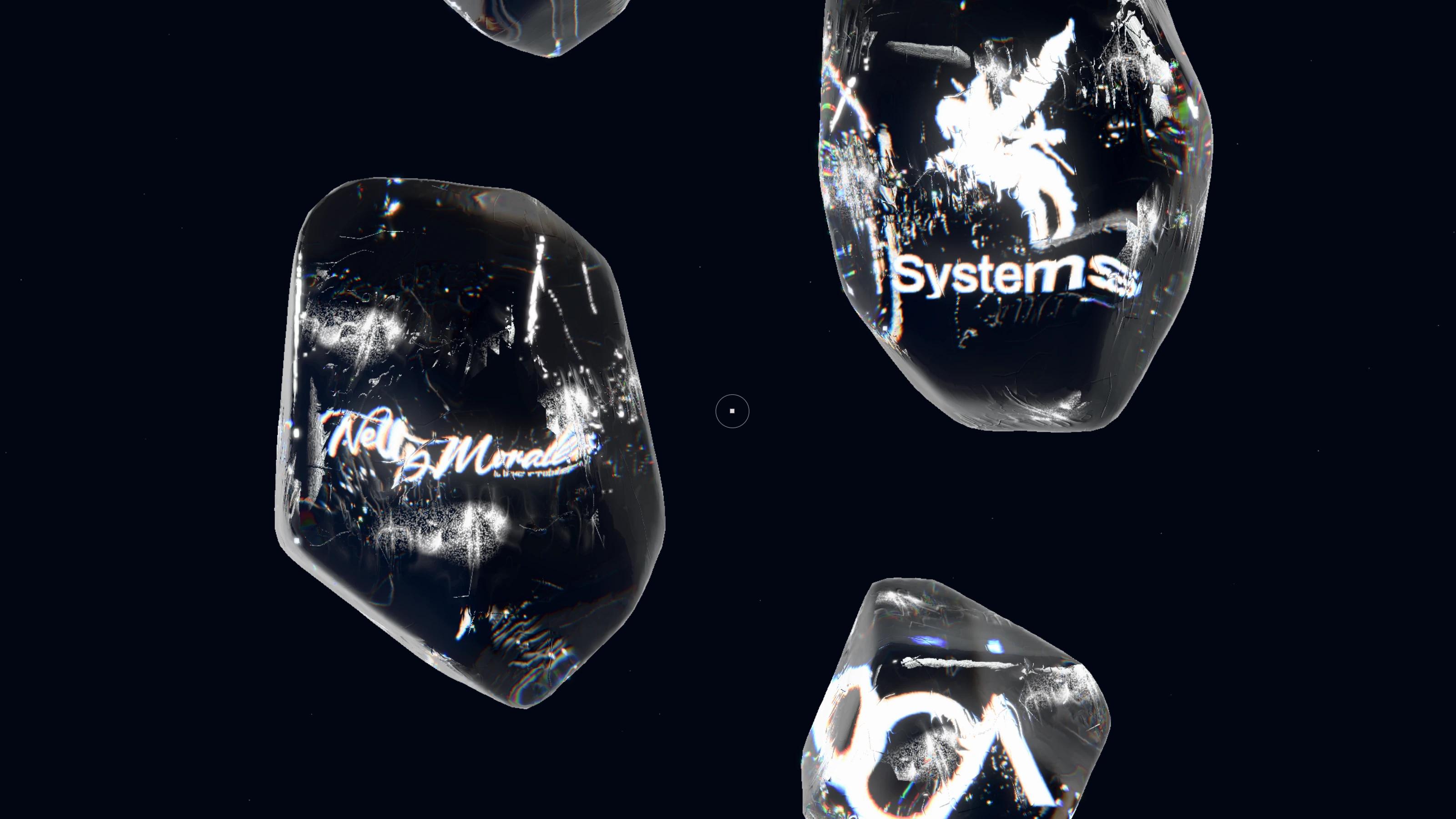
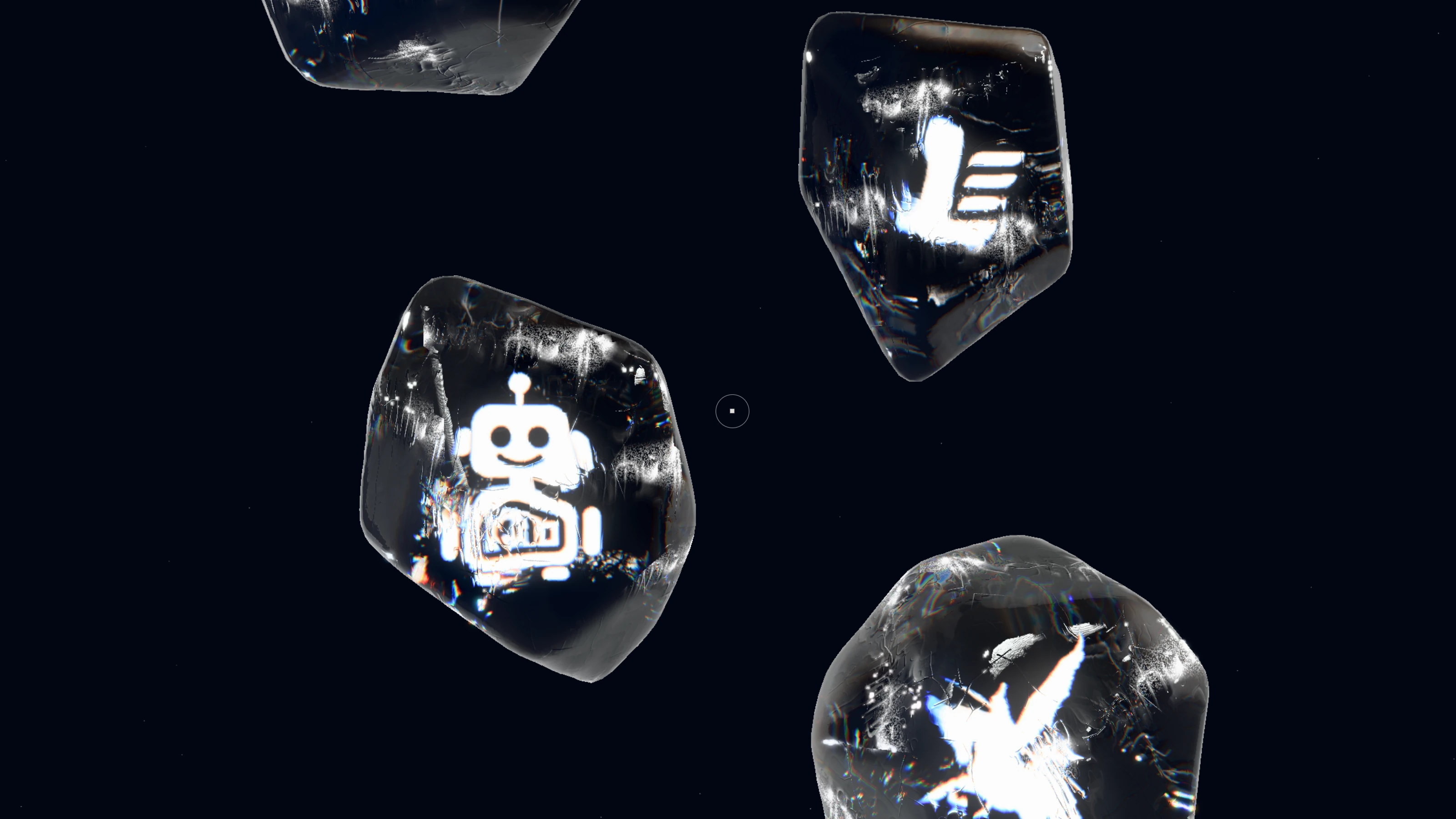
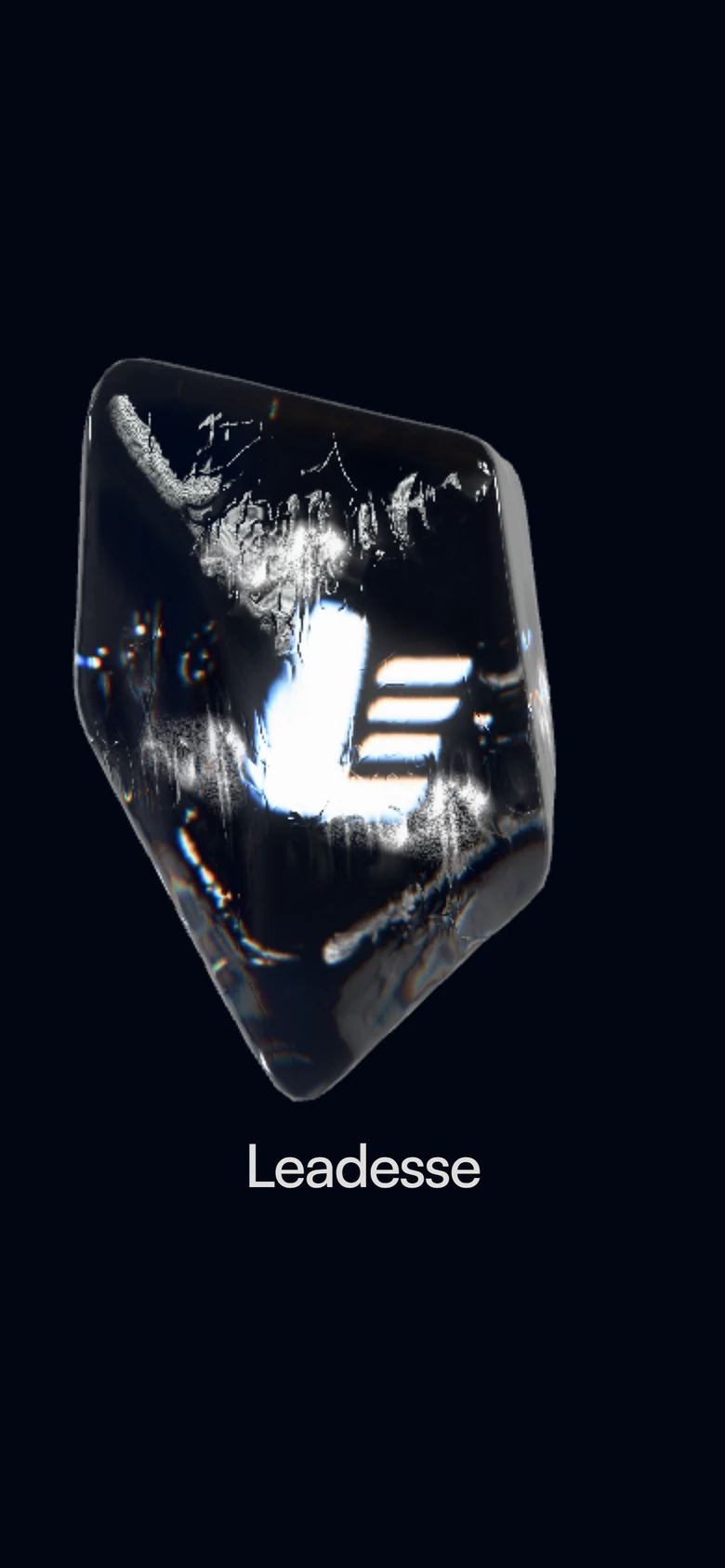
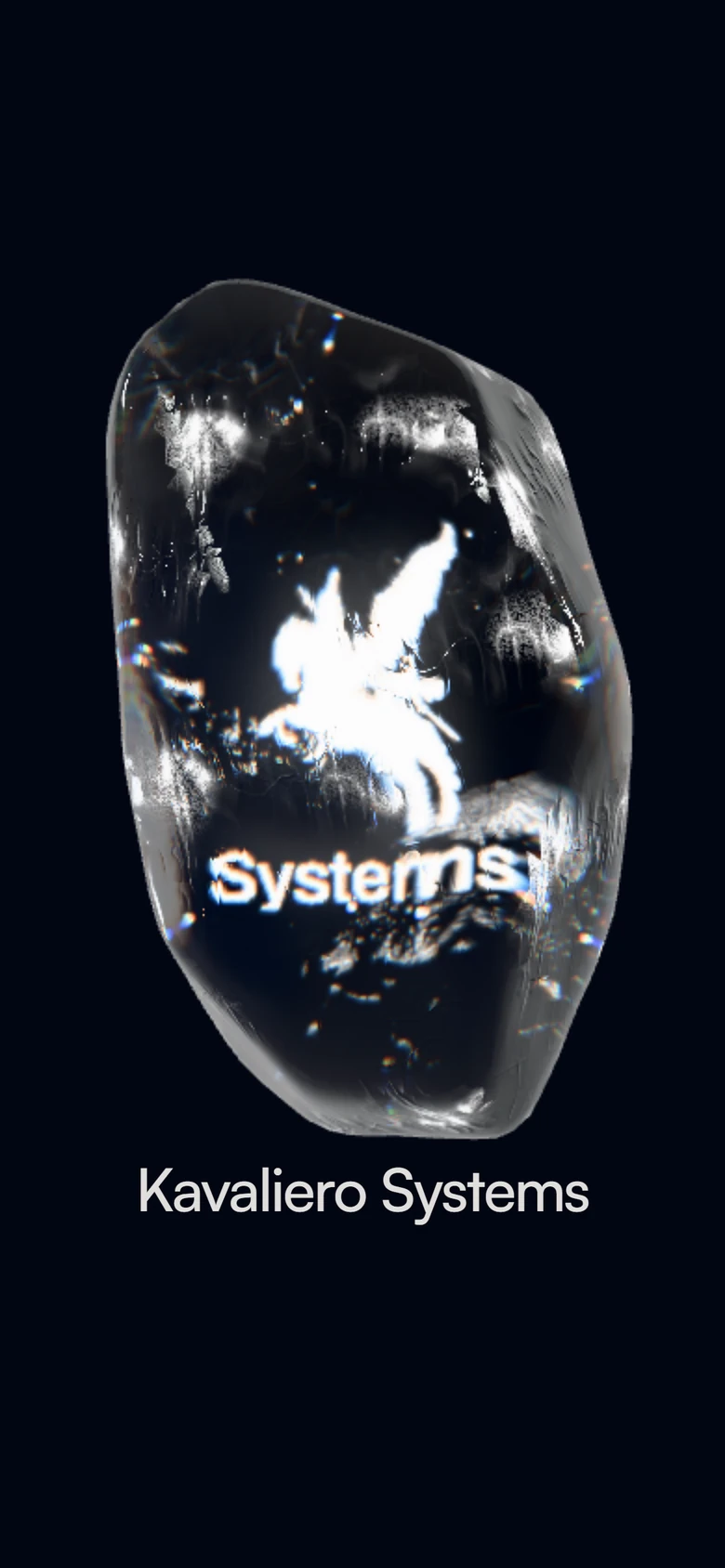
Our work page shows eight projects as eight blocks of ice on a dark field, in two columns. Each block holds its project's logo suspended inside it, each is a link to that project's case study, and under the pointer it fills with the project's colour.
None of them was modelled by hand or downloaded. This is how they are made, step by step, each step opening with its problem in plain words. It is the most technical of our insights; if what you want first is the case for using 3D at all, start with What WebGL is, and when it earns its place.
One block per project
The eight are Kavaliero, Leadesse, the automation systems, Kavaliero Systems, Nelly Morales, OA, Atlantys and Eliana Miliani. Every block has a shape of its own and keeps it from one visit to the next.
Layout stays in CSS. Each row carries an invisible square, and one pinned canvas covers the whole section and reads those squares' positions every frame. A new project in the copy files is a new row and a new block, and the renderer does not change.
The document owns the click, not the canvas. Each row's square is a real link, so navigation survives a lost graphics context or a renderer that never started. The canvas never takes pointer events; the renderer tests the pointer against the block's actual shape and decides whether the square's empty corners behave as field or as block.
Under the surface, in six steps
Step 1. Cut, don't sculpt
The first version pushed a sphere around with noise, which is how you model a rock. Every vertex wandered on its own, so the outline came out as forty-odd short segments and the surface as a field of little planes. It looked like rubble.
A crystal has a few long sides and large faces. So each block is now a convex polytope cut by nine to fifteen planes: in every direction from the centre, the distance to the edge is that of the nearest plane crossing it.
// The block's radius in direction u: whichever plane cuts it first.
let r = Infinity;
for (const { normal, distance } of planes) {
  const facing = u.dot(normal);
  if (facing > 0) r = Math.min(r, distance / facing);
}
That function is evaluated on a welded sphere, and then every edge is rounded with Laplacian smoothing. The sphere has detail 15 in Three.js, which is not 4 to the fifteenth faces: the parameter splits each edge into 16 segments, so it is 5,120 triangles.
Every transform is a function of the vertex's position, never of its index. The geometry is not indexed, so a corner exists once for every face that touches it. Move those copies separately and the block opens along its seams, which on a transparent material looks like light leaking out.
The planes come from a seed that belongs to the project. The seed used to be the block's place in the list, so adding a project in the middle re-cut every block below it.
Step 2. Frost that stops transmitting
White frost looked like a question of roughness. It is not. Roughness on a material that transmits light blurs what is seen through it; it does not brighten it. Behind these blocks is a dark page, and blurred black is still black: the frost came out as brown blotches, like lichen.
Real frost scatters light back out. So each block carries a third map, for transmission, and in the core of every frost plume transmission drops: there the surface stops being a window and shows its pale colour and the studio's reflection.
A crack is a bright line, not a grey one. Most of the fracture detail goes to the normal map on polished ice, so each crack catches the light and comes back white. Sent to the roughness map, the same pattern came back mid grey and read as dirt.
The body is dark because its inner face is. The same geometry is drawn a second time, opaque and facing inward, and the front face refracts it. That puts the far side's ridges inside the near side, which is the clearest sign of solid glass there is.
Step 3. A logo inside the ice
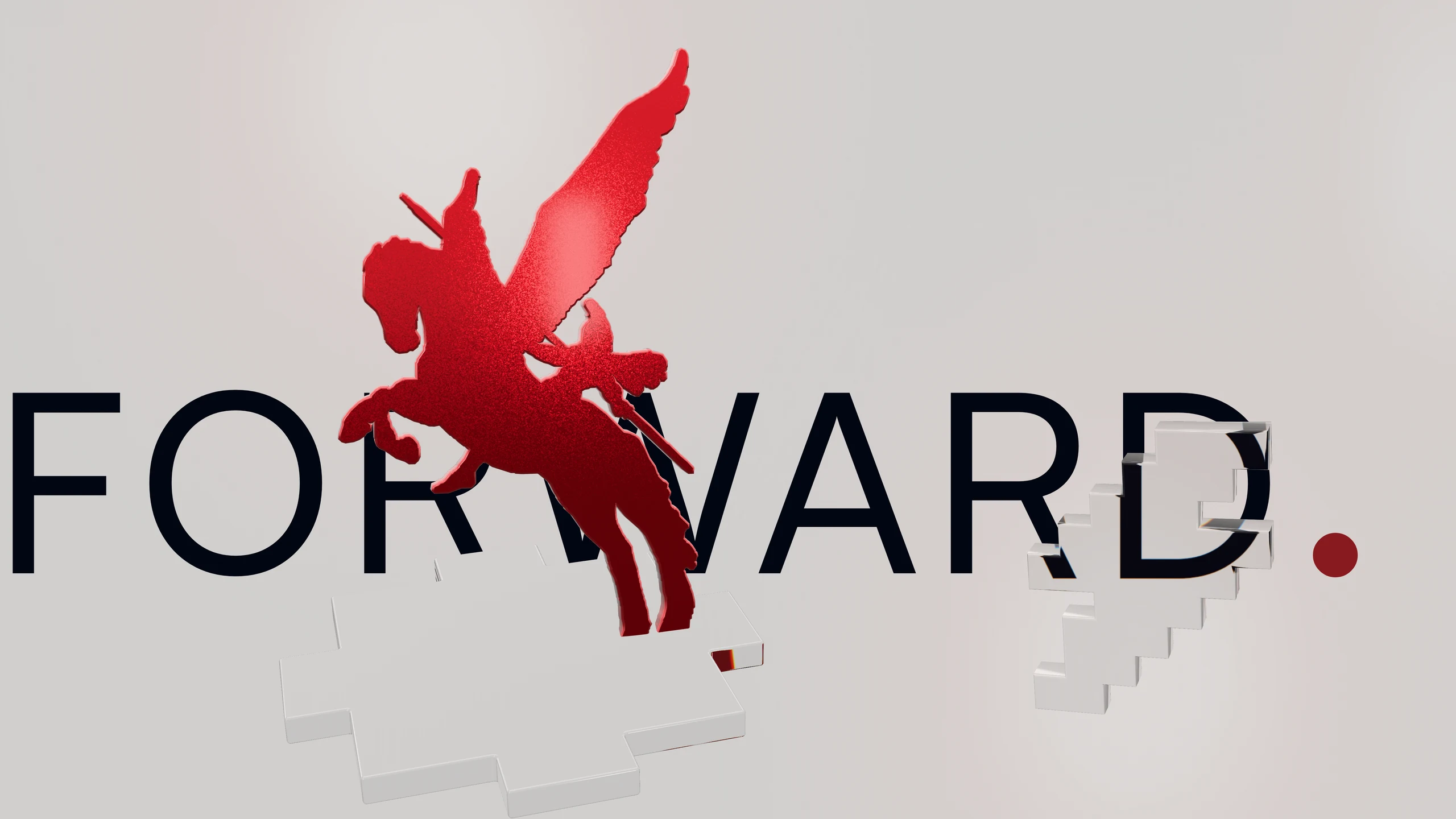
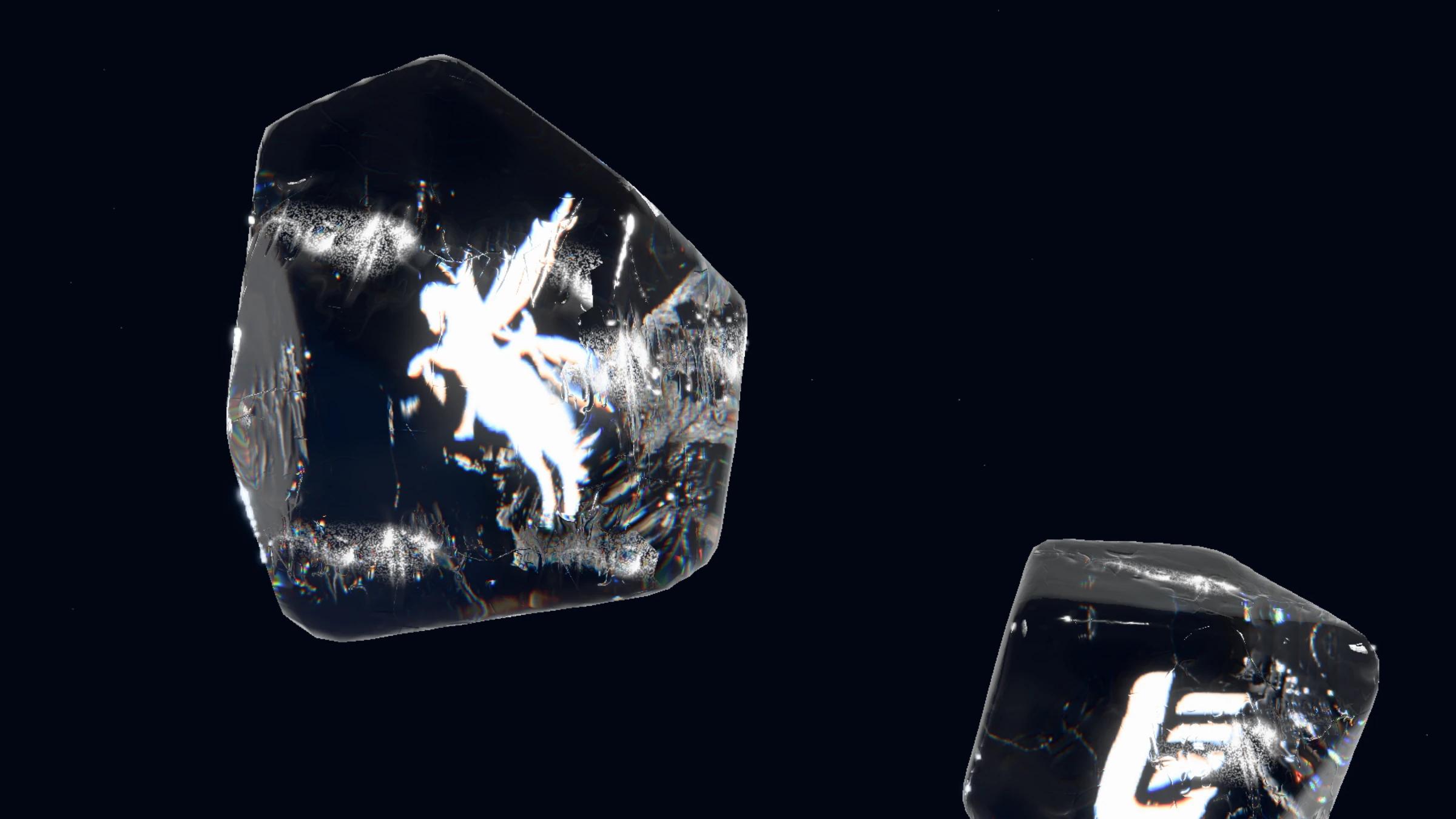
The logo is a plane suspended in the middle of the block, and every frame it turns against the block so it keeps facing the camera. Without that it would go edge on and vanish; with it, the ice turns around the logo and breaks it up differently as different facets pass in front.
It is pure white, driven past white, because everything between it and the eye takes light away. And it is cut out rather than transparent: Three.js builds its transmission pass from the opaque objects, so a transparent logo was left out of it and the crystal refracted a hole.
The transmission buffer runs at three quarters of the resolution. At half, every logo arrived soft, and Kavaliero's knight scattered into an unreadable feather. Each logo also carries a glow baked once at load, which fades out before it reaches the edge of the block so it can never show outside it.
Step 4. Colour under the pointer
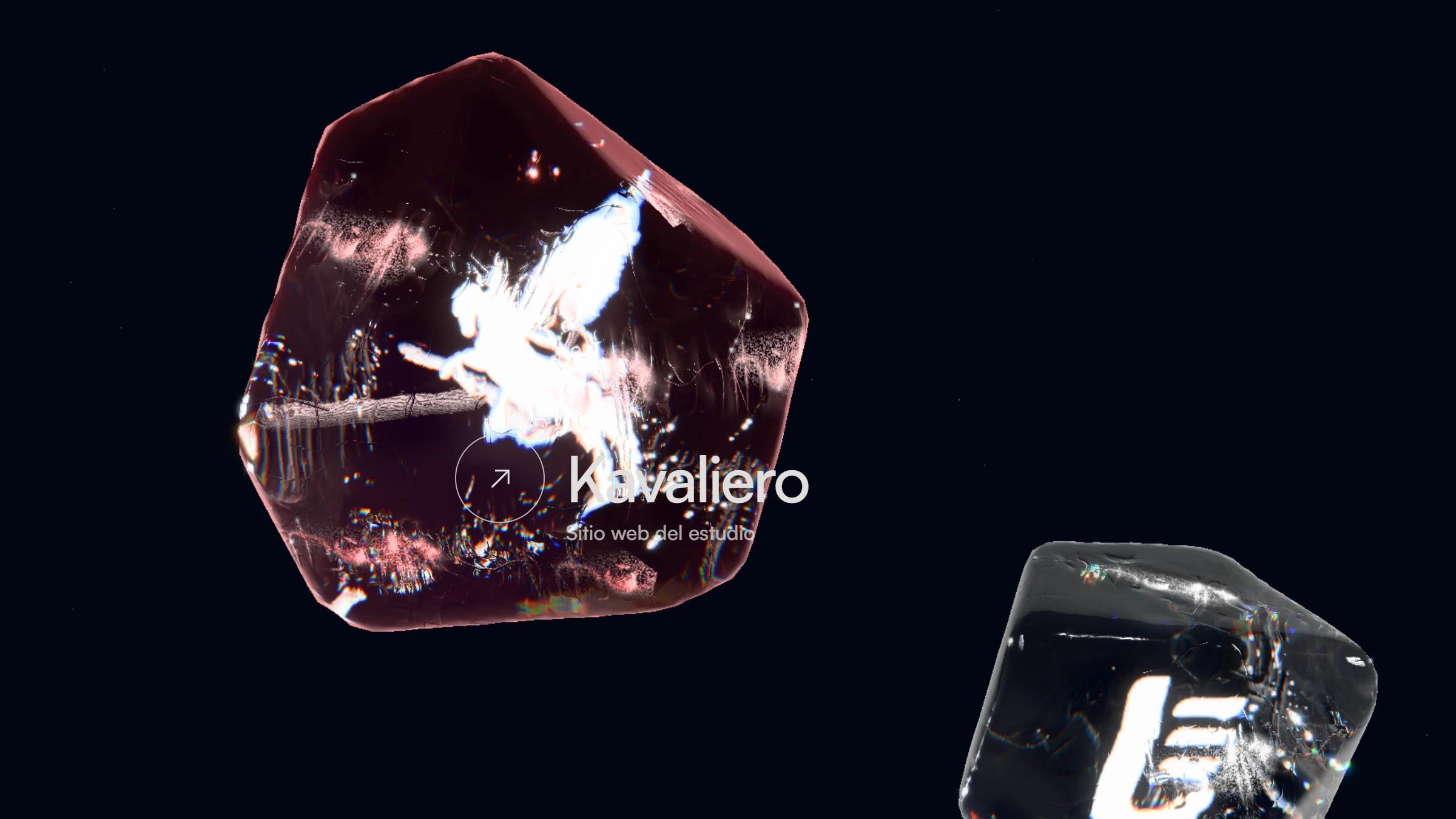
Under the pointer, a block fills with its project's colour in 0.9 seconds and lets it go in 0.7, on a curve that starts and ends at rest. It never overshoots, and if the pointer leaves halfway, it turns back from where it is.
The frost carries the colour, through a light masked by the crack pattern. A light with no mask adds the same amount to every pixel, flattens the block into a blob of colour, and every crack disappears.
The logo stays white. Twice the colour swallowed it: first when the body absorbed toward the project's colour and dyed the logo, then when an interference film washed over it on the way in. Now the logo is driven a little harder during the hover, and the tint leaves alone whatever is already brighter than white.
The block's turn is a damped spring with a 2.4 second period, which settles with two small rocks. It is integrated against real time. The first version added the velocity without multiplying it by the frame time: it got there in two frames, rang like a bell, and ran at different speeds on 60 and 120 hertz screens.
Step 5. The pointer's trail
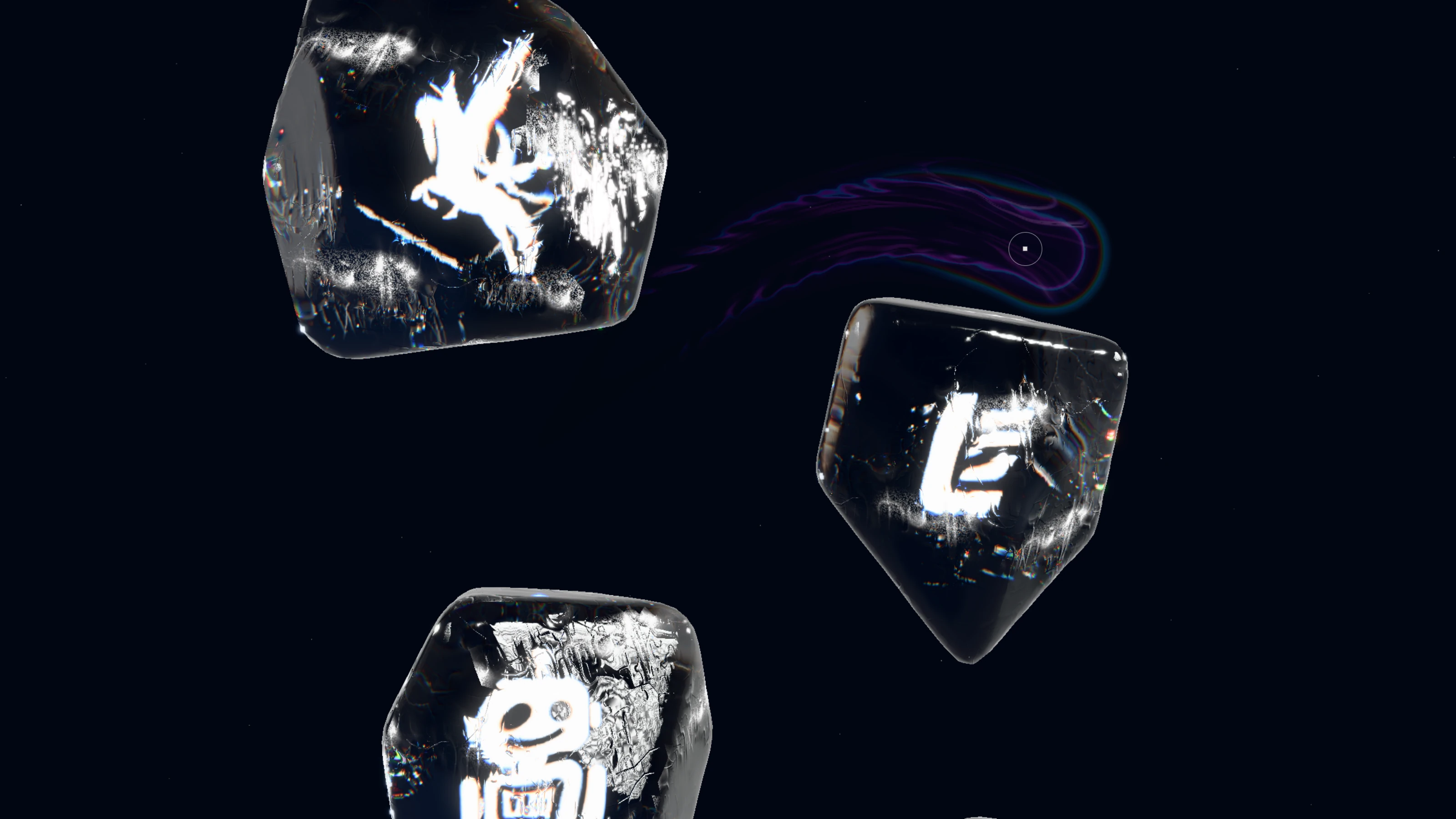
The pointer leaves a trail of smoke across the field. It is a stable fluids simulation, Jos Stam's method in the arrangement Pavel Dobryakov's open source code made familiar, and it is drawn inside the same scene as the blocks. That is why the glass bends it: it really is behind them.
What you see is the slope of the fluid's mass, not a contour of it: a dark spine with a band of light either side, narrowing and fading in under half a second on a fast stroke. We rebuilt it by measuring a reference stroke frame by frame.
It writes its own alpha. A display-specific visual defect made the decorative trail visible only behind the blocks on some screens; resolving it took four days. Light was being added without alpha: a plain sRGB output added it, while a wide-gamut display discarded it. The trail is now checked under a P3 colour profile as well, because an ordinary screenshot would have missed the difference.
Step 6. No freezing
The first load of this page briefly blocked the main thread. That was a responsiveness problem and took priority over refinements to the crystals’ appearance. Three.js links each shader program the first time it draws it, and that first draw waits on the main thread. We traced the interruption to three causes that produced no console error.
- Each block's light changed every program's key. The number of lights is compiled into every material. Hung from blocks that were hidden off screen, every block crossing the margin forced the glass, the interior and the logos to relink. The lights now live on the scene, and a light off screen is set to zero, never hidden.
- Programs were linked on draw. Now every one is compiled before the first frame, in parallel, on the driver's threads, and the scene does not draw until the browser confirms they are ready. It only helps if each is compiled under the exact key it will be drawn with.
- Maps and blocks were built in one go. Now they are built in slices, one per frame. A 1024 pixel ice map took 425 milliseconds; at 512 it is 88, and spread out it does not show.
Why does a WebGL scene freeze the first time it appears?
Because the browser links each shader program the first time it is drawn, and that first draw waits on the main thread. On Kavaliero's work page it was fixed by compiling every program before the first frame, in parallel and under the exact key it will be drawn with, by building geometry in slices, and by avoiding any change that forces a relink, such as hiding a light.
What we left behind
Three passes in a row tried to get closer to the reference ice by adding structure, and each moved further away. What closed the gap was taking things out.
- The noisy sphere. It modelled a rock, not a crystal.
- More planes. Past about eighteen there is no flat face left: the blocks came out as pebbles.
- Matte sheets. Reading the interior as opaque panes gave grey slabs, more concrete than ice.
- Dense fine fracture. More, smaller cracks gave a sky of one-pixel sparkles, like cheap diamond.
- ACES tone mapping. It is a film look that warms the highlights; the ice came out brown. The neutral curve replaced it.
- The rainbow flash on hover. An interference film washed over the whole block on the way in and out. It was too much and it hid the logo.
- Brand colour at rest. A red strip in the studio tinted every block. The red now arrives only with the hover.
The reference is polished and mostly empty, and its effect comes from the contrast between that emptiness and a few very bright things. The same holds for our landing page, as we explain in Behind kavaliero.com.
With less motion, and on a phone
Under reduced motion there is no scene. Each block has a still image in CSS that is there before any script runs, and it is what a reader who asked for less motion sees, as does a browser without WebGL 2 and anyone who arrives while the scene is still getting ready.
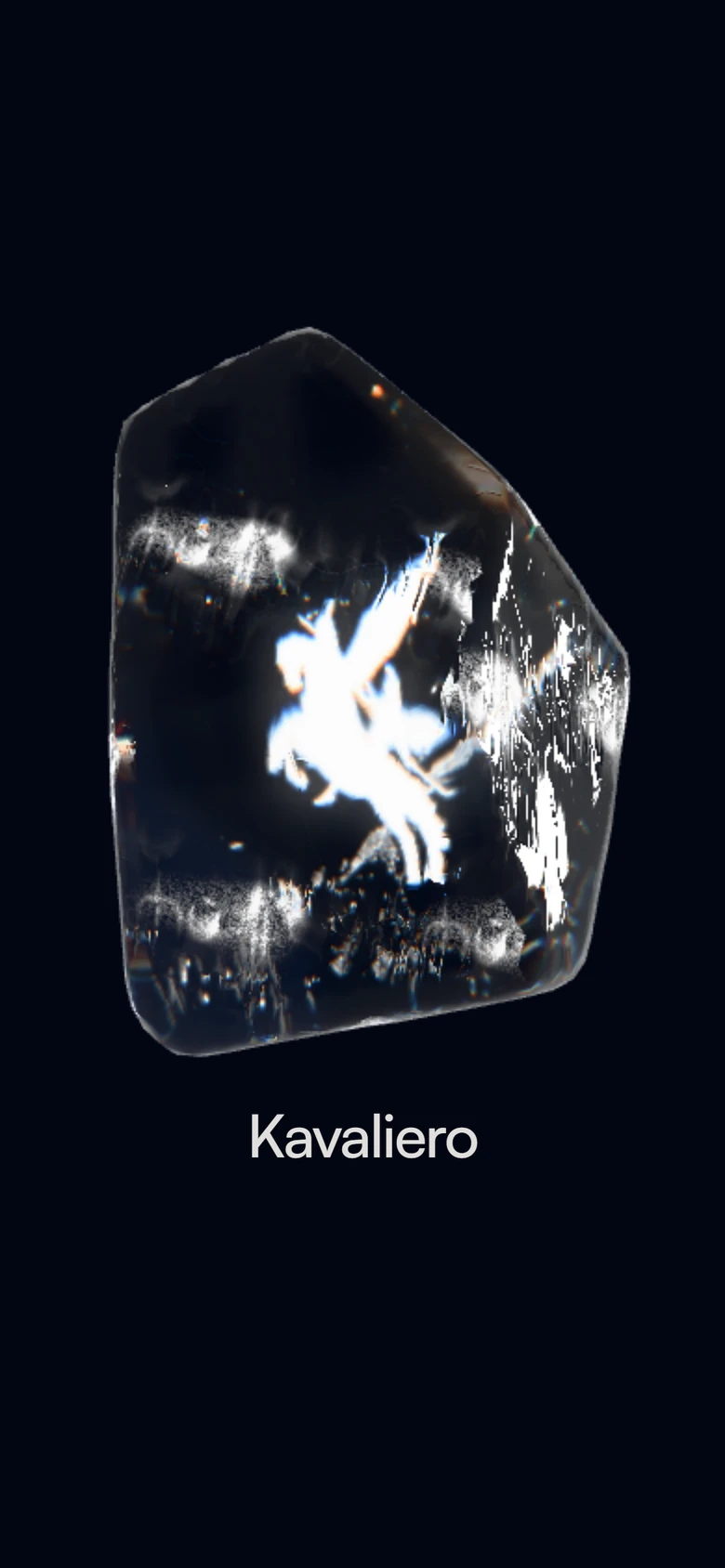
On a phone, one centred column. One block per screen, taller than it is wide, with its name underneath at a fixed distance from the ice's lowest point rather than from the square around it. That distance is worked out through the camera's perspective, because the blocks do not all end at the same height.
The trail only exists where a pointer can hover, on the pinned desktop canvas. On a touch screen each project's name is always written under its block, and from the keyboard they all appear at once.
What carries beyond this page
Very little of this is specific to ice. The content lives in the document and the effect is a layer over it; if the layer fails, the page still works. The same approach applied to images is in One page, two layers.
And the performance rule is the same in every scene we build: nothing is linked or built inside a frame being drawn. It is measured, and if a number changes, the text that quotes it changes with it.
Technologies and tools
Rendering
- Three.js
- MeshPhysicalMaterial with transmission, the PMREM-filtered studio, the opaque inner face
- postprocessing
- The logos' bloom, with tone mapping after it
- KHR_parallel_shader_compile
- Linking programs on the driver's threads
- Stable fluids
- The pointer's trail, after Pavel Dobryakov's MIT code
Page
- CSS
- The layout, each row's square and the still images
- GSAP
- The ticker the scene, the smooth scroll and the reveals share
- Sliced generators
- Ice maps and blocks built without blocking a frame
Related projects and insights
Got a product people would understand better by handling it? Write to us and we will tell you whether 3D explains it or only decorates it.
FAQ
How do you make a glass effect in Three.js?
With MeshPhysicalMaterial and its transmission, which refracts whatever is behind the object. Kavaliero's crystals need three things on top: a map that lowers transmission where there is frost, an opaque copy of the interior so the glass refracts its own far side, and a transmission buffer with enough resolution for what is inside to stay readable.
Can a logo stay readable through glass?
Yes, if the logo is opaque and cut out, always faces the camera and is drawn brighter than white to make up for what the glass takes. On Kavaliero's work page the transmission buffer also runs at three quarters of the resolution: at half, a fine logo like the knight became unreadable.
What does a reader who prefers less motion see?
On Kavaliero's work page, a reader with reduced motion switched on never loads the 3D scene: each block is a still image in CSS, with its name underneath and its link intact. The same is shown to a browser without WebGL 2 and to anyone arriving while the scene is still getting ready.
How heavy is a page with glass scenes?
Lighter than it looks when the geometry is generated. The blocks on Kavaliero's work page download no model: they are cut in code at load, and the ice maps are generated too. What does download is the logos, stored at the size they are sampled at, and the lighting studio.