A WebGL effect on images does not have to hide the page. If the browser does the layout and the canvas only paints, what lies underneath is still HTML.
On OA, a CV and portfolio, every page exists twice. On top, paper: every picture printed in two inks. Beneath, a dark ground with glowing seams, where the same pictures are in full colour.
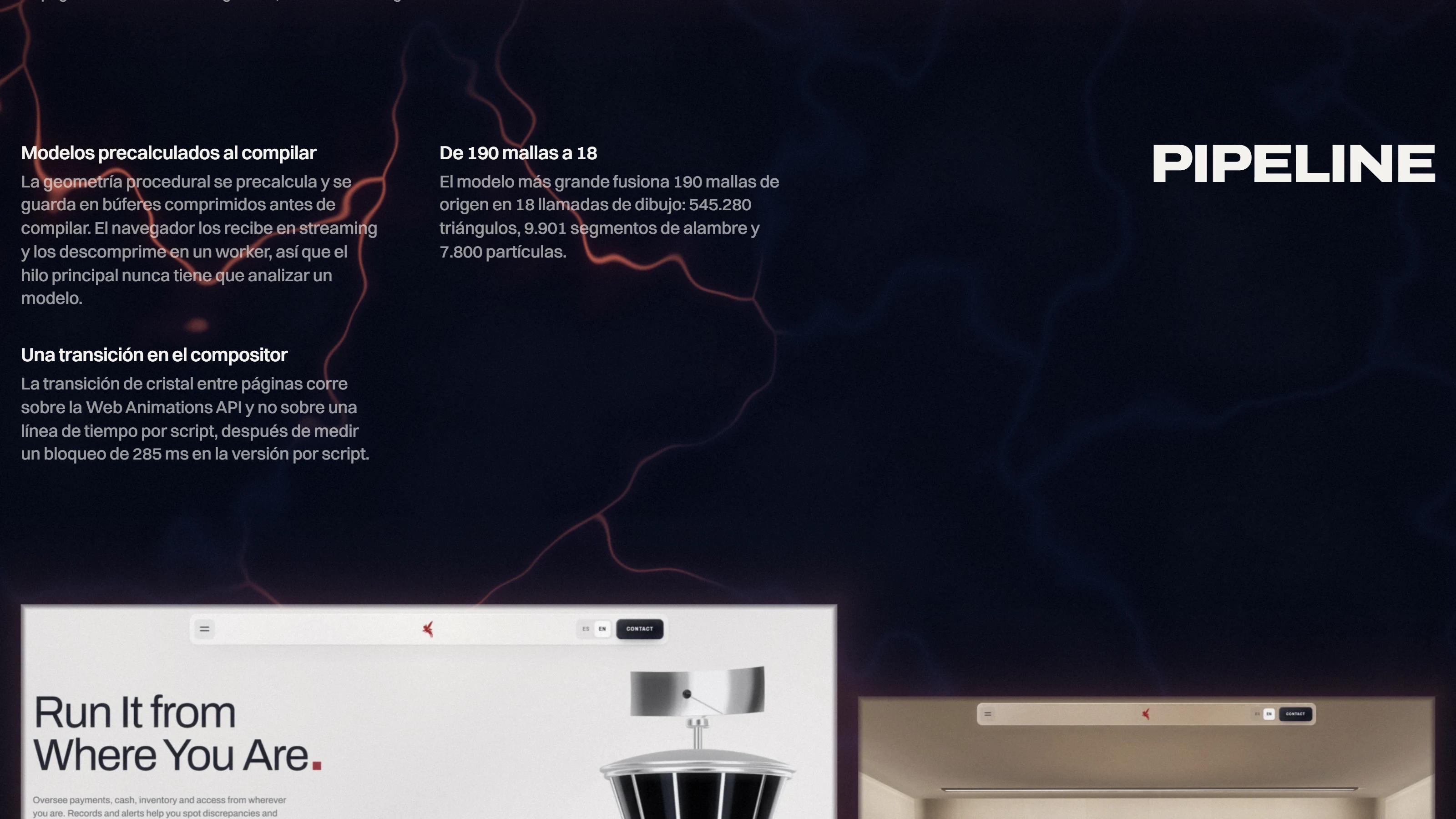
The interesting part is not the effect but how it is put together. There are not two designs, and not two sets of pictures. The browser lays out one ordinary page, and a single canvas fixed behind it paints every picture both ways.
That solves the problem most WebGL image effects have: the content turns into a drawing. Here the content stays in the DOM, with its alt text and its focus, and the canvas is a layer of paint over it, not a replacement for it.
One layout
The rule the whole site rests on: the browser lays out and the canvas paints. A picture is a normal image inside a box with its own proportion. The canvas never decides where it goes.
Reading the boxes. On every frame the canvas asks the browser where each picture near the screen is, and paints it exactly there. An intersection observer with a 25% margin drops the distant ones so they are never measured.
The same image as a texture. Nothing is downloaded twice: the canvas uploads to the graphics card the very image element the page already loaded, once the browser has decoded it, and at most one per frame, so no upload stalls a frame.
Hidden, never removed. The DOM image is hidden only while the canvas is running on a desktop. If the canvas is missing, the image is there, and it was always there for a screen reader or a search engine.
Components know nothing about three.js. Each picture registers with a plain TypeScript bridge that is safe to run on the server. Registrations queue up and replay when the stage attaches, and three.js itself loads after the first paint.
How do you paint a DOM image with WebGL without duplicating the content?
Leave the image in the DOM and use the canvas only to paint it. On OA, every picture is a normal element with its alt text; a fixed canvas reads its position on each frame, uploads that same element as a texture and paints it inside its box. The DOM image is hidden only while the canvas runs, so without it the page is still complete.
When that kind of build is worth it, and when it is not, is in what WebGL is and when it earns its place.
Two inks from one image
The printed version is not another file. The picture shader works out both inks from each pixel's brightness, with a dither so gradients do not band.
Paper a shade darker than the page. The pictures' paper sits 7% below the page's ground, so a white screenshot keeps its edge instead of melting into the page.
Pictures that develop as they are read. Some turn from two inks to colour as they reach the middle of the screen, and bow slightly back with scroll speed, always away from the reader, so they can never cross the margin.
A glow of its own colour. On the layer beneath, every picture throws a soft light taken from its mean colour, which the media manifest already holds, so nothing has to be measured in the browser.
Type that is always the inverse of what is behind it
Letters are dark on the paper and light on the dark ground, and stay legible while a moving edge crosses them mid-word, with half a letter in each layer.
There is no script behind it. The wrapper around the whole page sets the type white and blends it by difference against the canvas. White against paper comes out as ink; white against black stays white. The blend sits on the wrapper, not on each piece of text, because a blended node only sees its own stacking context.
The price: five neutral colours. Inside that blended layer a saturated colour would change hue with whatever passed behind it. So components may only use five neutral tokens, and real colour never lives in the DOM: the canvas paints it.
How do you make text that always contrasts with what is behind it?
With mix-blend-mode: difference on a wrapper of white text. On OA, white type is blended by difference with the canvas behind it, so it comes out dark on the light paper and light on the dark ground, even with half a letter in each layer. The condition is that only neutral colours live inside that layer: a saturated colour would shift hue.
One question per pixel
Wherever the surface opens, the background, the pictures and their glow switch along exactly the same edge. That is not luck: the three shaders share one piece of code that answers a single question for each pixel. Paper, or beneath?
The answer is the larger of two things: the front of the layer change, and the pointer trail's ink passed through a threshold. The same chunk sits inside the picture shader, the glow shader and the final composite. If any of the three asked differently, the edge would show twice.
Every frame runs in the same order: one step of the fluid, the dark ground into a half-resolution target, the pictures into a transparent full-resolution one, and a single pass that composites it all to the screen.
Three roads to the other layer
Step 1. The pointer trail
Moving the mouse leaves a trail that behaves like ink in water: it opens the paper where it passes, bends what it crosses and closes again a moment later.
It is a stable-fluids simulation, Jos Stam's method in the arrangement Pavel Dobryakov made familiar: a velocity grid 128 cells on its short side, an ink grid of 512, eighteen pressure iterations. A movement is laid down as up to five splats per frame, so a fast flick leaves no gaps, and only the mouse counts.
The fluid's velocity also displaces what is seen through the edge and splits red, green and blue. After seven idle seconds it stops stepping. If the browser cannot render to floating-point textures, the trail simply never opens and everything else still works.
Step 2. The ring
Top right sits a ring half full of liquid on the paper, and full beneath. Press it and the liquid tips one way, then the other, and settles. It is CSS alone: a circle that clips an oversized block, whose offset sets the level.
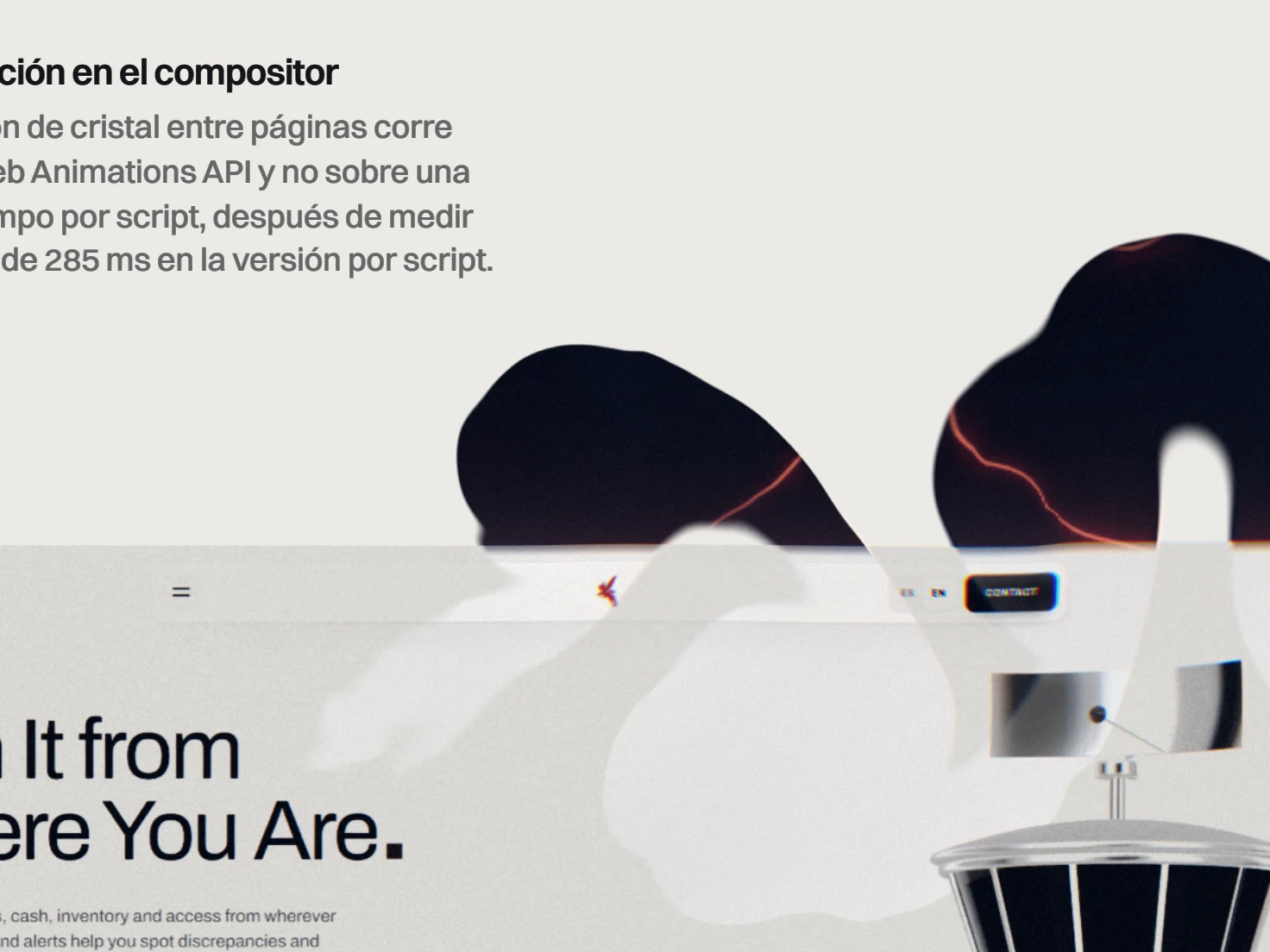
Meanwhile the other layer spreads across the whole page from the centre of the button itself, with a ragged, refracting edge, in 1.7 seconds. Its reach is worked out to the farthest corner, and the press injects a ten-spoke burst into the fluid.
The chosen layer is saved in the browser and an inline script restores it before the first paint, so a returning visitor never sees the wrong layer flash.
Step 3. The first load
A first visit waits beneath while the ring fills and a percentage counts. What it counts are real promises: the fonts, the stage and the priority images, never under 1.6 seconds and never over 7.
At a hundred, a line is drawn along the foot of the screen and the paper rises from it as one straight-edged sheet, in 0.68 seconds. The covers arrive next and the page last.
The index, in words
On a desktop the index does not scroll. The wheel, the arrow keys or a drag turn an endless reel of eleven covers that settles with one in the middle.
On the paper the covers are a straight column. Beneath, they hang on a wheel seen from its rim, each a twelfth of a turn further round, smaller and deeper in mist. That wheel exists only in the vertex shader: in the DOM, the boxes never leave their column.
It is told here without pictures. One of those covers is an earlier version of this very site, and whichever way the reel turns, it comes into frame.
With the canvas off
Without WebGL, under reduced motion or on a phone, no canvas paints the pictures: what is left is an ordinary page with native images and all of its content. Add ?still to any address and a desktop gets that same page.
Why not on a phone. A fixed canvas lags behind touch scrolling, which the browser moves on another thread, and can end up covering text. On a phone both layers are native. The layer switch survives: it still spreads from its button, over a background that is only loaded on the first tap.
A pixel budget. On a desktop the canvas is capped at 3.6 million device pixels, with its density held between 1 and 2, stepping down a quarter at a time if frames run slow. On the paper it stops drawing when nothing moves, and on a hidden tab it skips the whole tick.
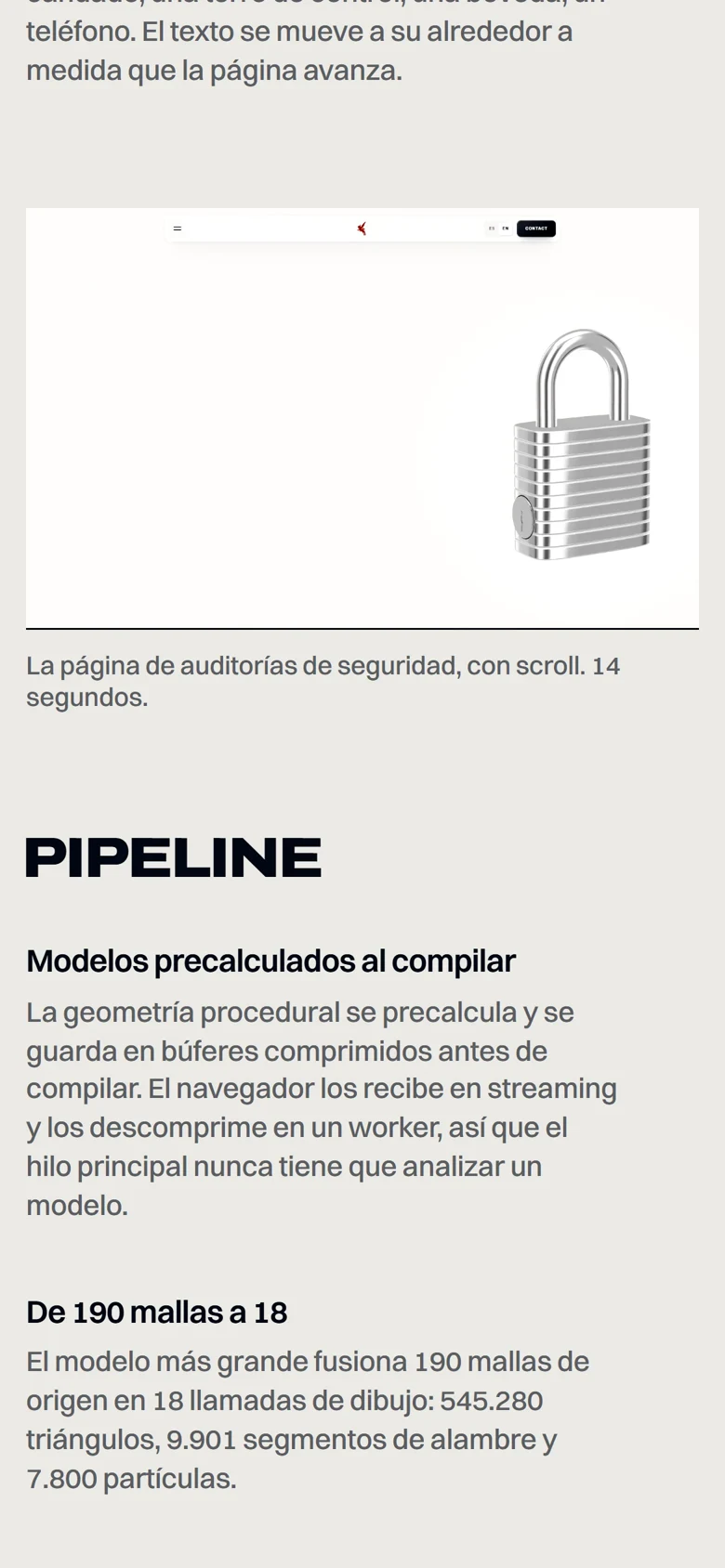
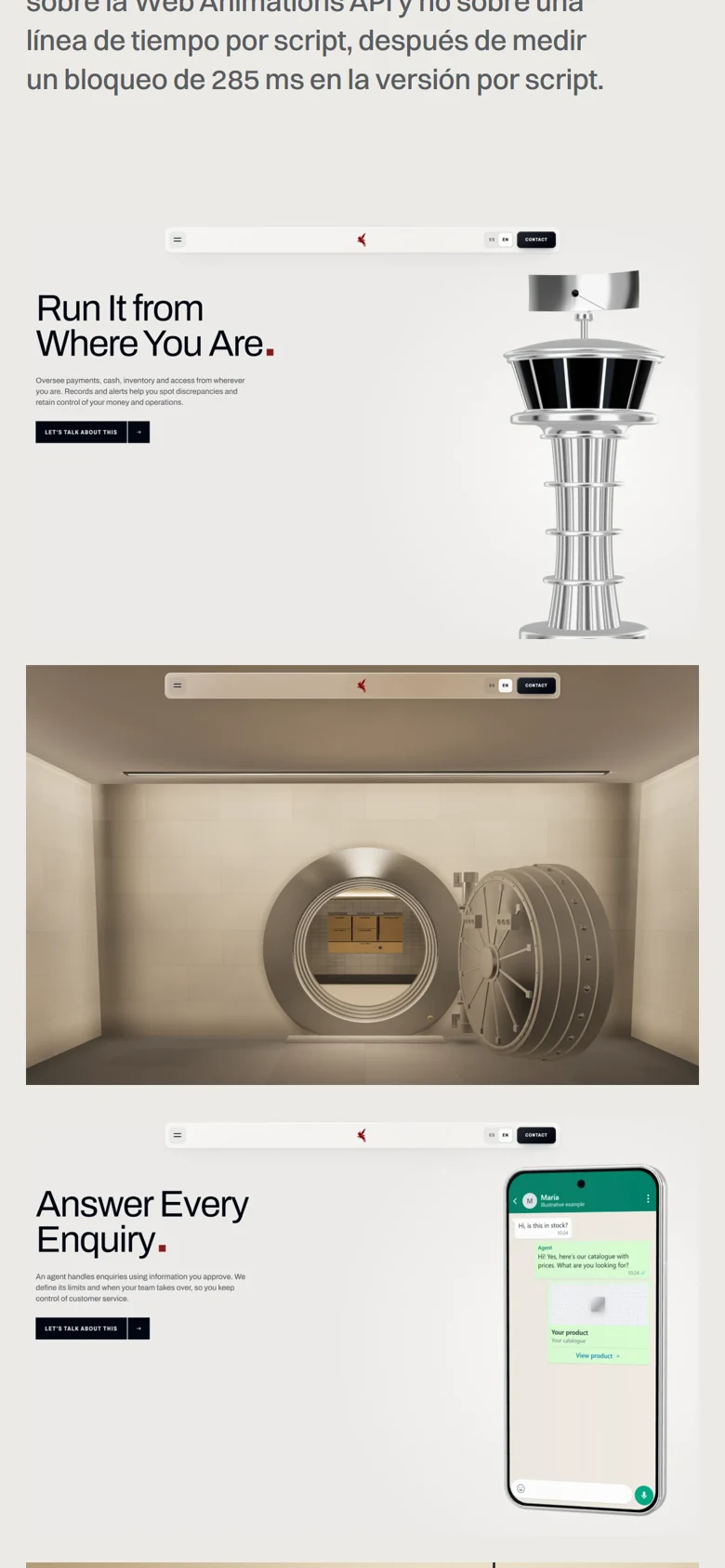
To a search engine or an assistant none of this changes the page: the text and the pictures are in the served HTML. That is the point of getting found by AI assistants.
What was taken out along the way
- The canvas on phones: it lagged behind touch scrolling, so it went. Only the button's transition came back, with the same shader.
- A busier trail: the first one was more agitated; the one that shipped is calm on purpose.
- A share card cut from a screenshot: with the trail on it, it looked dirty at feed size, so the card became a page of its own.
A checklist for any WebGL effect on images
- Content lives in the DOM: real text, real images with their alt text and their focus.
- The browser lays out: the canvas reads the boxes and paints inside them; it never places anything.
- One question per pixel: if several shaders decide where an edge is, they share the same code.
- A real fallback: without WebGL, under reduced motion or on a phone, a complete page, not an empty screen.
- A budget: capped density, no drawing when nothing moves, nothing running on a hidden tab.
- A way to see it switched off: a parameter like ?still, to review the canvas-free version at any time.
The crystals on our work page follow the same rule: each block is a real link in the DOM, and the canvas only draws it. How they are made is in ice cut from code.
Technologies and tools
- Next.js
- The 32 pages, in two languages
- three.js
- The fixed canvas, its render targets and the custom shaders
- Stable fluids
- The trail, Jos Stam's method in Pavel Dobryakov's arrangement
- Simplex noise by Ian McEwan and Ashima Arts
- The ragged edge of the spreading front
- GSAP
- The 1.7 second front and the index reel
- mix-blend-mode: difference
- Inverted type, without a line of script
Related projects and insights
Does your site have pictures that should do more than sit still? Write to us and we will work out which effect suits them without taking anything away from the page.
FAQ
Can you use WebGL without losing accessibility?
Yes, if the content stays in the DOM and the canvas only paints. On OA, every picture is a normal element with its alt text and its focus; a fixed canvas paints over it inside its box, and the type is inverted by a CSS rule, not a drawing. Under reduced motion, without WebGL or on a phone, the canvas never loads and the complete page remains.
What happens if the browser has no WebGL?
The page has to work the same, and on a well built site it does. On OA, without WebGL no canvas paints the pictures: the native images, all of the text and the navigation remain. Adding ?still to the address shows that same version on any desktop, which is also how it is reviewed.
What is a fluid simulation on a website?
It is a calculation on the graphics card that moves velocity and ink through a grid, like water, and draws it in real time. On OA it is a stable-fluids simulation, Jos Stam's method: it follows the mouse, opens the paper where it passes and closes again a moment later. It stops after seven idle seconds and is never loaded on phones.
Does painting images on a canvas hurt SEO?
Not if the images are still in the HTML. On OA the canvas paints over pictures the server already sends, with their alt text, and the page's text is real text. A search engine or an assistant reads the same page a screen reader does. What does hurt is drawing content on a canvas that does not exist in the HTML.