
WebGL does not make a website sell more by existing. It earns its place when the product is easier to understand turned around than photographed.
WebGL is the interface that lets a browser draw using the graphics card, the way a game does. Without it, a page can only paint boxes, text and images. With it, a page can draw three-dimensional objects, light them, and move them at sixty frames a second.
That opens a door and sets a trap. The door is showing something a photograph cannot explain. The trap is that most of the 3D on the web could have been a well-made image, and would have loaded in a tenth of the time.
What is WebGL?
WebGL is a standard browser interface that lets a web page draw graphics using the device's graphics card, with nothing to install. It is what makes it possible to show 3D objects, materials with real lighting, and visual effects recalculated every frame. It is available in every modern browser and underpins libraries such as Three.js.
What is actually happening, in one paragraph
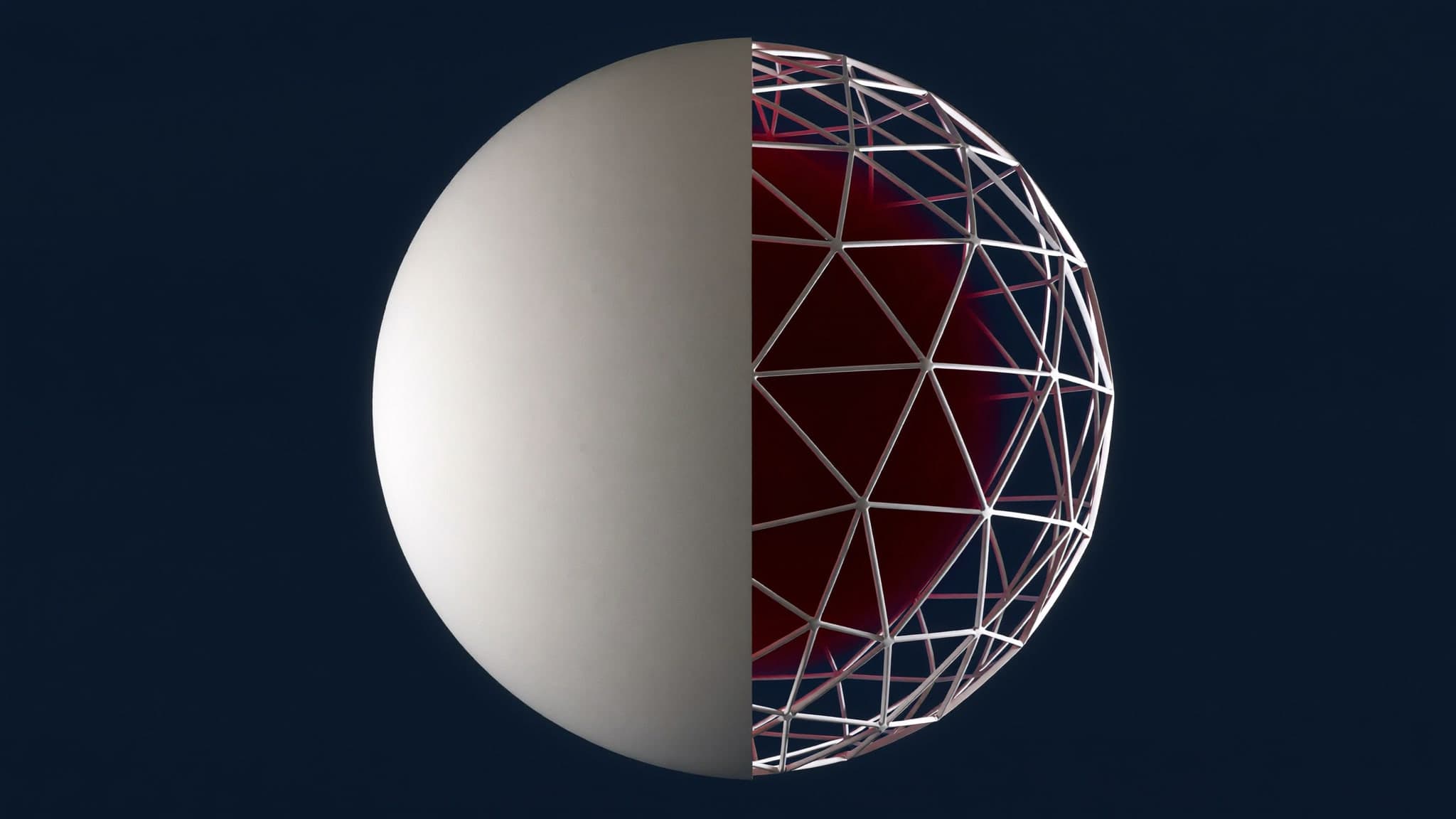
It helps to know roughly what the browser is doing, because it explains where the costs sit. A 3D object is a list of points, a list of triangles joining them, and a pair of small programs that decide where each point lands on screen and what colour each pixel ends up. The browser hands that to the graphics card, which does the arithmetic for every pixel in parallel, and repeats the whole thing for the next frame.
Two consequences follow, and they are the ones that matter commercially. The drawing itself is cheap, because it is what the hardware exists to do. Getting the data to the hardware is expensive, because it has to be downloaded, decoded and uploaded into video memory before the first frame appears.
When it earns its place
One test works well: if the visitor needs to turn the object to understand it, 3D pays. Modular furniture, industrial machinery, a part with finishes that change, a space you walk through. In those cases the alternative is not one photograph, it is fifteen, and the viewer still cannot look behind.
The second case is the configurator: the customer picks colour, material or size and wants to see it before buying. There 3D is not decoration, it is the sales tool, and it removes a category of returns caused by people imagining the wrong thing.
The third is softer and worth stating honestly. A site that moves well signals technical competence, and in sectors where every competitor uses the same template that is worth money. But it is a brand argument, not a conversion argument, and it should not be sold as the second one.
Four cheaper things to try first
Most briefs that arrive asking for WebGL are asking for the feeling of WebGL, and there are less expensive ways to buy that feeling. Working through these in order saves a lot of budget.
- A rendered image sequence scrubbed on scroll. It looks like 3D because it was 3D when it was rendered, it needs no runtime, and every frame is exactly as art directed. It costs bandwidth and cannot be interacted with, which is often fine.
- A short looping video, the cheapest convincing motion available, which compresses far better than a sequence of stills.
- CSS 3D transforms, which are real perspective and real rotation handled by the compositor at no library cost. Enough for cards that tilt, panels that fold, objects that turn on one axis.
- One high quality render, held still, with the page moving around it. A great deal of what reads as expensive on award-winning sites is a static image and disciplined typography.
If none of those can express the idea, the case for WebGL is real. If one of them can, it will ship sooner, work on more devices and break less often.
What it actually costs
The real cost of WebGL is not in development hours, it is in weight and memory. Those are two numbers almost nobody puts in a proposal, so here are ours.
That 27% is not lossy compression: it is attributes the exporter wrote and the renderer never reads, like texture coordinates in a model with no textures. It is the first thing to check in any 3D file arriving from a designer, and it is free.
In video memory the split is surprising. The geometry of those four objects takes 2.6 MB. The three textures on one of them, decompressed to full colour with mipmaps, take 16 MB. Six times all the geometry put together.
The reason is worth internalising, because it changes what you optimise. A downloaded texture is a compressed JPEG or PNG. In video memory it is raw pixels: a 1024 by 1024 texture is four megabytes before mipmaps and around 5.3 after, no matter how small the file was. Geometry, by contrast, occupies roughly the same space in memory as on disk.
So the file size in your network tab and the memory cost on the visitor's device are close to unrelated, and it is the second one that makes a phone drop frames or reload the tab.
How heavy is a website with 3D?
It depends almost entirely on textures, not geometry. A well-optimised model can weigh between 100 and 500 KB, but a single 1024 by 1024 texture takes around 5 MB in video memory once decompressed, and more with mipmaps. The practical rule: check texture sizes first, and check whether the model carries attributes the material never uses, because that is usually where half the weight sits.
The cost nobody quotes: making the model
Estimates for 3D on the web are usually accurate about the code and silent about the asset, which is the larger and less predictable half.
A model that already exists, from the manufacturer or from a CAD file, is rarely usable as it stands. CAD geometry is built for machining tolerances and carries orders of magnitude more detail than a browser needs, so it has to be rebuilt, unwrapped, textured and re-exported. That is specialist work measured in days.
A model that does not exist has to be made from photographs and drawings, which is measured in weeks for anything with a real finish on it. Then there is lighting, which is what actually decides whether the result looks expensive or looks like a school project, and lighting is art direction rather than engineering.
How much does a website with 3D cost?
The integration is usually the smaller line. For a single object presented on a page, the front-end work commonly runs between 2,000 and 6,000 dollars depending on how interactive it is, while the model itself runs from a few hundred dollars for something simple that already exists to several thousand for a product modelled, textured and lit from scratch. A configurator with multiple materials and options is a different scale again, because every combination has to look right and be tested. A quote that prices the code without naming who produces the asset is quoting half the project.
When it does not earn its place
If the object reads in a photograph, the photograph wins every time. It loads sooner, works on any device, the client can change it without calling anyone, and it shows up in image search. A 3D model does none of those four things.
It also fails when the audience arrives mostly on mobile with limited data, which across much of Latin America is the norm rather than the exception. A two megabyte model on mobile data is a barrier to entry, not a demonstration of skill. Worse, mobile browsers reclaim memory aggressively, so a heavy scene is not merely slow on a mid-range phone. It can cause the tab to reload and lose whatever the visitor had typed.
And it fails when there is no budget for the model itself. 3D with poor materials and default lighting looks worse than none, because it signals exactly the opposite of what it set out to signal.
One more case, rarely mentioned: when the content changes often. A photograph can be swapped by whoever runs the site. A 3D asset needs the person who made it, which quietly converts a marketing page into a permanent dependency on an outside supplier.
If you do it, how to do it without punishing the visitor
Four decisions separate 3D that adds from 3D that gets in the way, and all four are engineering rather than art.
Load nothing until the section is close to being seen, and release it once it is not. A canvas that is off screen should not be rendering, and an observer plus a check on whether the document is hidden covers both the scrolled-past case and the switched-tab case.
// Stop rendering when it cannot be seen, for either reason.
const io = new IntersectionObserver(([e]) => (visible = e.isIntersecting), {
  rootMargin: '200px',
});
document.addEventListener('visibilitychange', () => {
  awake = !document.hidden;
});

function frame() {
  if (visible && awake) renderer.render(scene, camera);
  requestAnimationFrame(frame);
}
Cap the render resolution. On a retina screen, drawing at double the pixels costs four times as much, and on a small object it is barely distinguishable. A ceiling of 2 is standard, and on a large full-bleed canvas 1.5 is often invisible.
Keep a static version for anyone who asks for less motion or arrives on a device that cannot take it. This is not only an accessibility obligation, it is the sensible fallback when the graphics context is lost, which happens on real phones more often than most people expect.
And check the textures before anything else. Halving a texture from 1024 to 512 pixels cuts its memory cost to a quarter, and on an object that is never larger than a few hundred pixels on screen, nobody sees the difference.
None of them is optional if the site has to work for everyone and not only for whoever reviews it on a good laptop with fibre.
The question to ask before agreeing to any of it
There is one question that settles most of these conversations, and it is not technical. What will the visitor be able to understand after this that they could not understand before.
If there is a clear answer, the budget is justified and the engineering above is how to spend it well. If the honest answer is that it will look impressive, say that plainly, price it as brand work, and let the client decide with the real trade-off in front of them.