A new website inherits people who still remember the old one. Receiving those visits is part of the design work.
On launch day the team opens the new home page and checks the menu. A client does something else entirely: they click a link saved months ago in an email. That visit is part of the launch too.
A redesign changes what people see. It can also change the structure, the page names and their addresses. Those are separate decisions, and a visual improvement does not by itself require moving everything that already had a URL.
This site has been rebuilt more than once, most recently a few days ago. Along the way a section changed its name, a page disappeared and every screenshot was retaken. What follows is the decision we made each time and the checklist we were left with.
The first deliverable is a list of addresses
Before sketching the new menu, gather the pages that exist. The sitemap is a start; add the pages in your content system, the links you have shared and whatever search and analytics data you have. Include documents and images if people reach them directly.
Next to each address, write down what it does for someone. A page with little traffic might hold instructions a client receives after signing. A busy page might attract people to a service you no longer offer. Traffic informs the decision; it does not make it.
From there, every URL needs an explicit fate: it stays put, moves to an equivalent page, merges into another, or is retired with no replacement. That table lets you review the migration before the new site is finished.
- Stays: the address still describes the content well. It is the cheapest option and the least risky.
- Moves: the content exists under another name. A permanent redirect to the new address, in one hop.
- Merges: its information becomes part of another page. The redirect goes to that page, not to the home page out of habit.
- Retired: nothing equivalent exists. A useful error page is more honest than an arbitrary destination.
Keep the intent behind the link
Say an architecture practice had a page about planning permission for renovations. On the new site that material becomes a guide. Someone following the old address should arrive at that guide. Sending them to the home page hands the search back to them.
Google's guidance on URL changes recommends mapping old addresses to new ones, redirecting to relevant destinations and monitoring both after the move. It also warns that rankings may fluctuate while the change is reprocessed.
Do you need to change URLs when redesigning a website?
No. If an address still describes its content, it can stay. When it does change, send it straight to its replacement with a permanent redirect and update internal links so they point at the final URL.
Some pages simply have no reasonable replacement. In that case a not-found response with a clear way out is more honest than pretending some new content answers the same request. Record that decision in the inventory as well.

Three redirects on this site, and why each goes where it goes
A section that changed its name. This section is called Recursos in Spanish and Insights in English, at /recursos and /en/insights. The Spanish section used to live at /ideas and then at /insights. The current configuration sends both straight to /recursos, each article to its own article:
{ source: "/ideas", destination: "/recursos", permanent: true },
{ source: "/ideas/:slug", destination: "/recursos/:slug", permanent: true },
{ source: "/insights", destination: "/recursos", permanent: true },
{ source: "/insights/:slug", destination: "/recursos/:slug", permanent: true },
The word "straight" matters. Someone holding the oldest address does not pass through the middle name first: every old name points at the current one, not at the next in line, so no chain of hops builds up. And because those rules carry no language prefix, they only touch the Spanish addresses; the English section stays at /en/insights.

A page that disappeared. On 13 October 2026 we retired the services page: it repeated what the home page already said, and the home page opens on the three services. It did not move to another address; its content already lived somewhere else. So /servicios and /en/services redirect permanently to the home page in their language. Here the home page is not a fallback: it is the equivalent destination. We wrote about that in a campaign needs a door.
A link in the wrong language. Articles have a different slug in each language. If someone browsing the site in English follows a link written in Spanish, they ask in English for a name that only exists in Spanish. Instead of an error, the page looks up its pair and redirects permanently to the equivalent article in the reader's language. How the two languages are paired is in a website in two languages.


What you cannot see moves house too
A new page can look perfect and introduce itself badly. The canonical address, the language pairs and the cards that appear when a link is shared all live in each page's head, and a redesign touches them even if nobody looks.
It happened to us. On this site, a page that declared only its title, description and canonical inherited the home page's share cards, with the home page's address and title. The insights index, the contact page, the legal notice and the privacy policy all shared as if they were the home page. They looked fine; pasted into a chat, they did not. Now every page states its own cards, and a check reads every address in the sitemap.
The sitemap had a similar fault. For a while it listed only the Spanish pages, with English as an alternate, and Search Console counted half the site as submitted. Now every page appears twice, once per language, and each entry carries the same pair.
Images have addresses as well
When we rebuilt the site, the case studies still showed screenshots of the old version. We replaced every one. And we learnt something the hard way: a new image under the old image's name is served as the old image. The image optimiser and browsers keep pictures by their address, and in development we watched the poster of a video we had already replaced come back again and again.
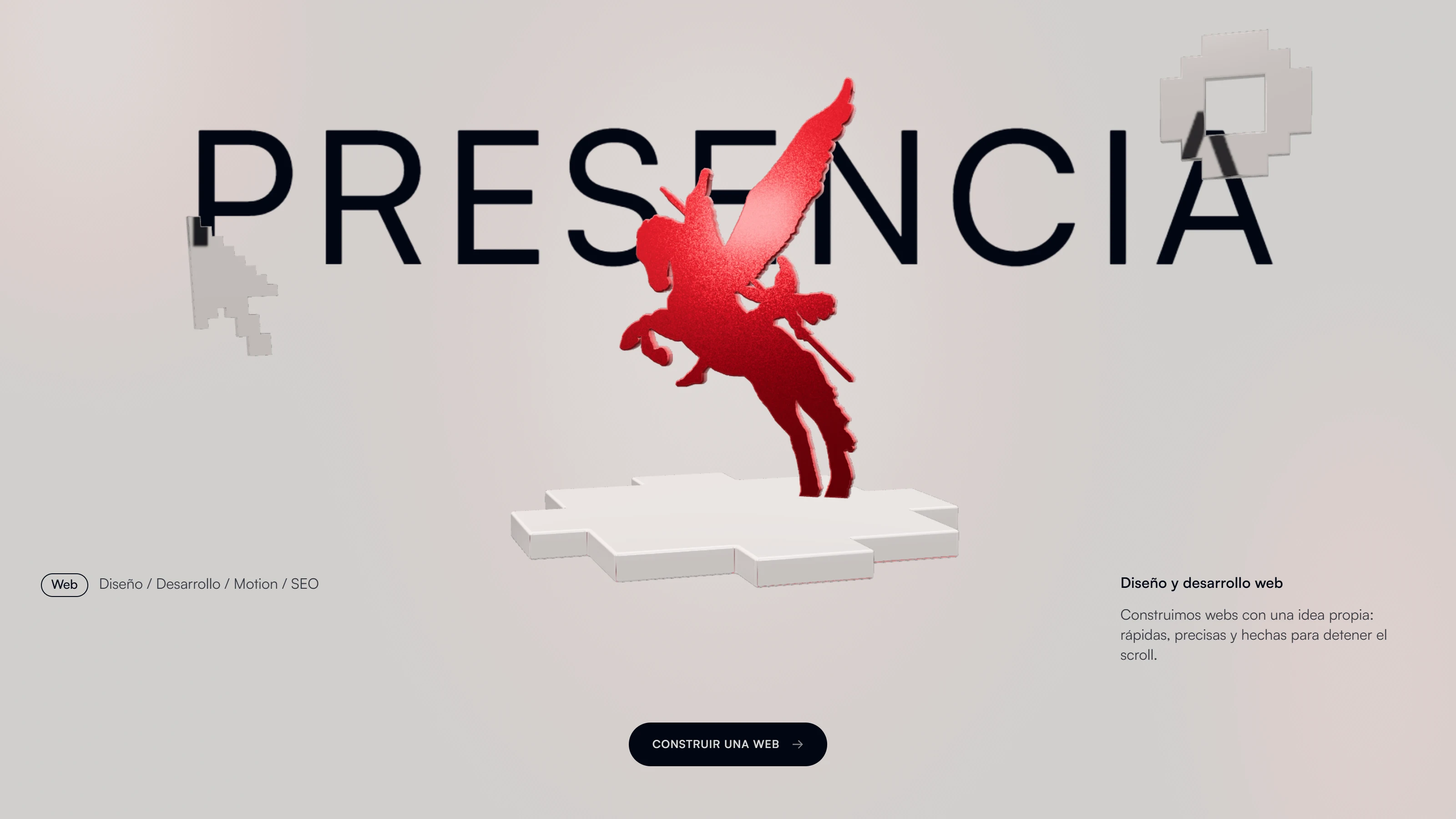
Since then every new take gets a new name: a version number or a fragment of its own content. The home page capture below carries a five in its name for that reason. The same goes for documents your clients download: replace a PDF with another of the same name and someone will keep reading the old one.
Copy can get lost in the move
A shorter home page can be good design. Before deleting a long explanation, find out which questions it was answering and where they will be answered now.
There is often a temptation to tidy a page by cutting conditions, limits or technical detail. Some of it is noise; some helps people decide whether the service fits. It can move to a clearer section or a page of its own. If it simply vanishes, the contact form ends up receiving those questions one at a time.
Evidence works the same way. A large new image does not automatically replace a screenshot that showed a specific feature. A redesign should make the evidence easier to find, not quietly drop it.
Rehearse arriving from outside
The most revealing check starts with the menu closed. Open old addresses the way someone would from an email, a search result or a bookmark, and follow the visit through to a sensible action.
- Check the final destination and that there is no needless chain of redirects.
- Check that the title and content answer the intent behind the old address.
- Open both language versions and switch between them.
- Check internal links, images and any documents that are still useful.
- Review canonical URLs, share cards and the sitemap for the new version.
- Open an address you made up and look at what the error page offers.
- After launch, watch errors and traffic changes page by page. Keep the table to investigate whatever happens.
A redirect list cannot guarantee a migration keeps every ranking. It makes decisions explicit, catches avoidable losses and gives you something better than memory when a broken link turns up.
On this site, links between articles are also written as keys rather than addresses: a link to another article names the article, and the site works out the address in each language. If a key leads nowhere, the site does not build. A broken internal link fails before launch, not after. More in behind kavaliero.com.
Ask for the table to ship with the site
If you are commissioning a redesign, put URL preservation in the brief. Ask for the inventory, the destination map and the results of the checks as part of what is delivered.
The new home page may be the reason the project started. The proof that the move went well is in those small entrances nobody showed in the presentation.
Related projects and insights
If you are replacing a website that already has a life of its own, we can review its structure with you before deciding what moves.
FAQ
Should every old page redirect to the home page?
Not as a rule. Each page should lead to equivalent content where it exists. The home page is only the right destination if that is where the information now lives, as it was for our services page.
Can a redesign promise to keep every search ranking?
No. An inventory, relevant destinations and monitoring reduce avoidable losses, but search results also depend on factors the redesign does not control.
What is a redirect chain and why avoid it?
It is an address that redirects to another that redirects again. Each hop adds waiting and another chance to fail. Each old address should point straight at the current one, as /ideas and /insights point at /recursos on this site.
Why does a replaced image still show after launch?
Because browsers and the image optimiser keep it by its address. If the new file has the same name, the old copy is served. Give every version a new name.
How long should redirects stay in place?
For as long as anyone might arrive through the old address. Links in emails, bookmarks and other websites do not expire, so the safe assumption is that they are a permanent part of the site.