A role begins to mean something when you can explain which action it allows and which information that action can affect.
In a demo, the administrator sees a button the rest of the team does not, and the permissions problem looks solved. The part that matters is still missing: the part that decides whether a request may run when it reaches the server, whether or not it came from that button.
The interface has to guide each person. Authorisation has to limit what they can do. They are two different jobs, and designing them together stops a role's name from promising something the system never checks.

From "admin" to a sentence you can test
"Supervisors can edit" leaves almost everything open. Edit any record, or only their team's? After it has been closed? Change the customer, or only the notes? See another company's documents?
A useful rule has four parts: a person, an action, a scope and a state. "An active supervisor may change the schedule of open jobs in their own organisation." Each part lets you argue a different case, and each can be tested.
Writing permissions this way before drawing screens has another advantage: it forces decisions about the odd cases while changing your mind is still cheap. It is the same logic as making a complex product feel obvious: flows before screens.
A rule from Leadesse: the AI drafts, a person decides
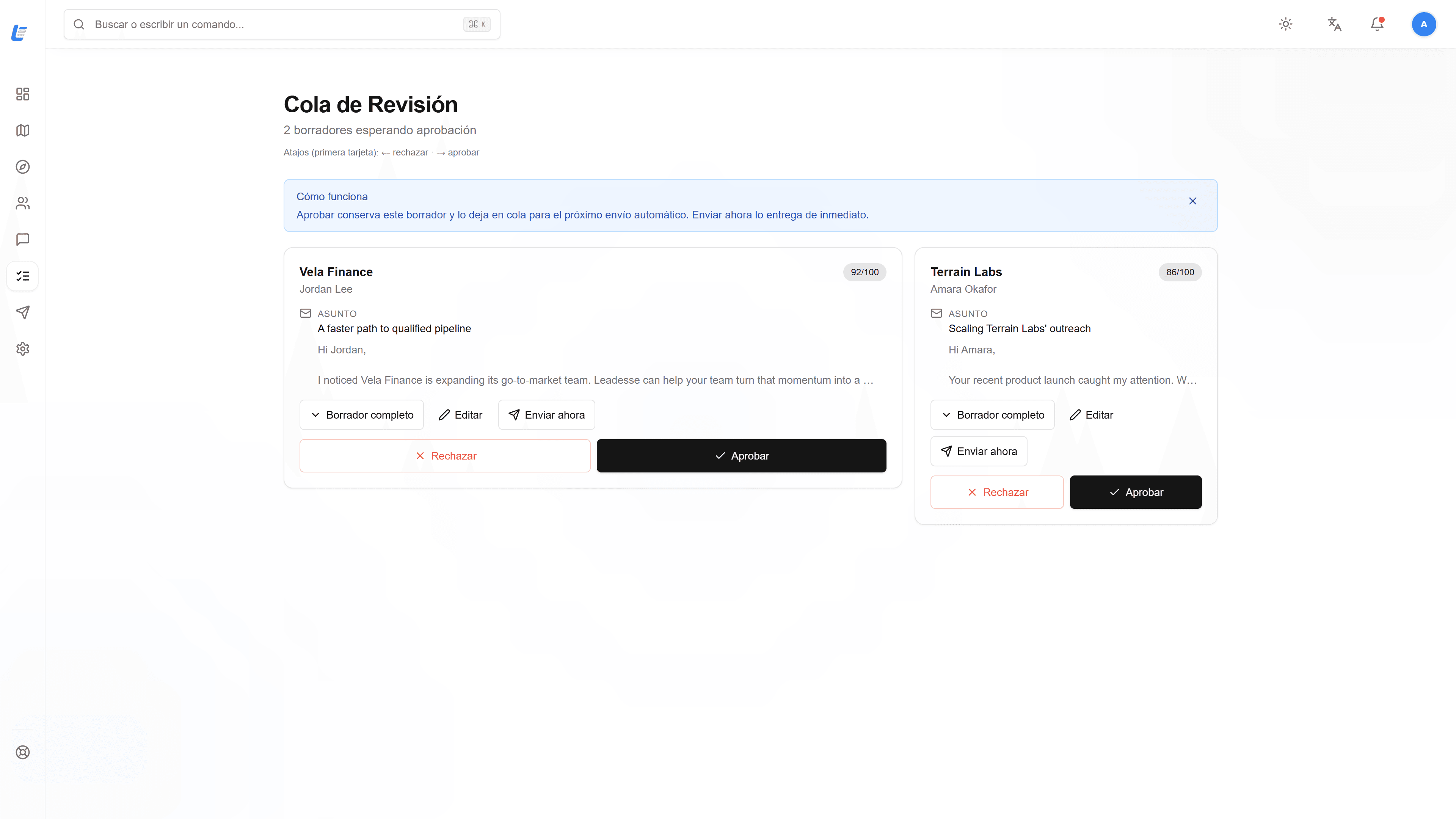
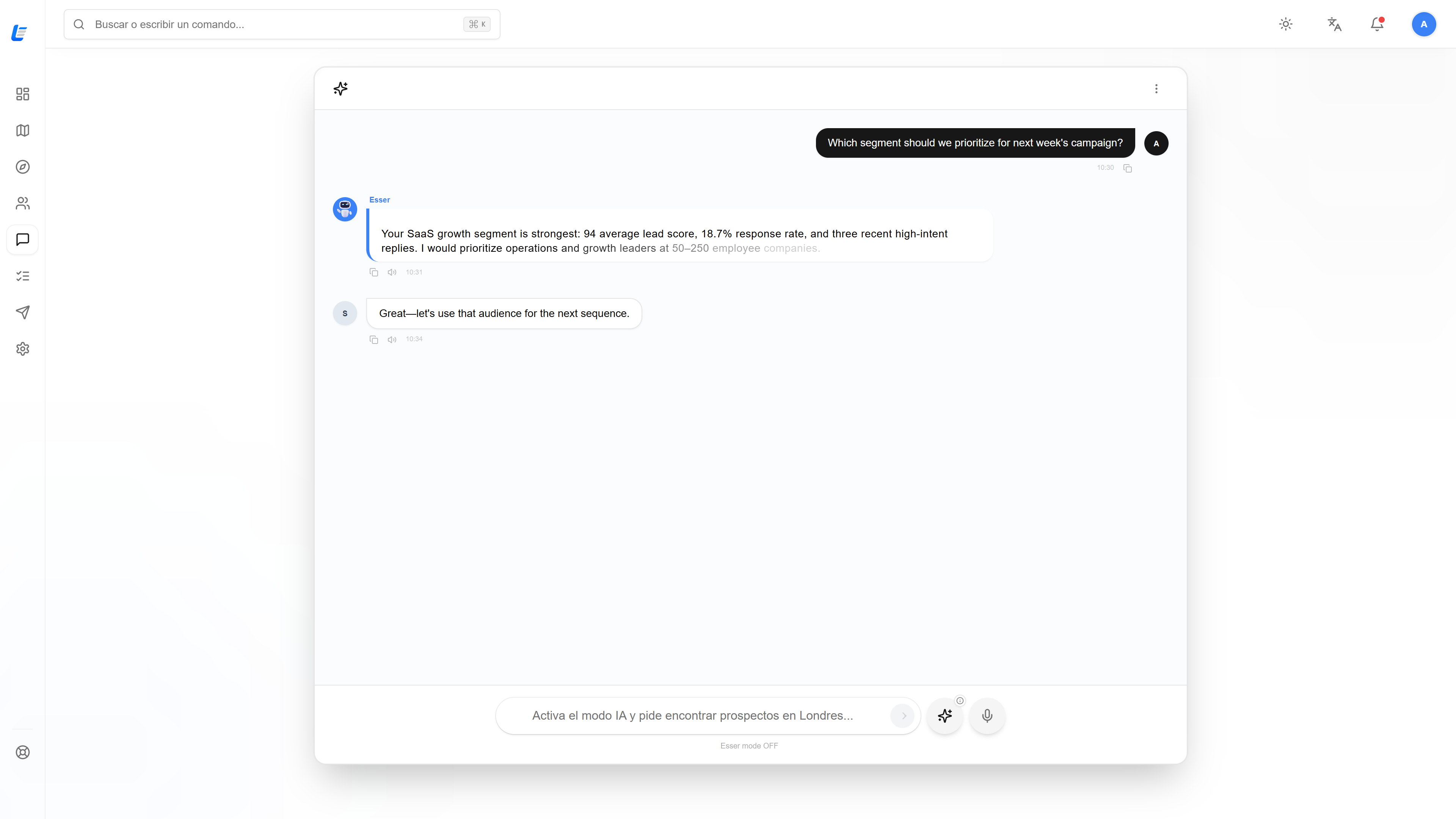
The most important permission in Leadesse, our AI prospecting platform, has nothing to do with roles. It is about who can make a message leave the product. As a sentence: the AI may draft; only a person may approve, edit or reject a draft.
You can see the rule in the review queue. Each draft arrives with the lead, the subject line and a score, and the person chooses between two actions the screen keeps apart: approve keeps the draft and queues it for the next automatic send; send now delivers it straight away. Two permissions on the same object, with different effects in time.
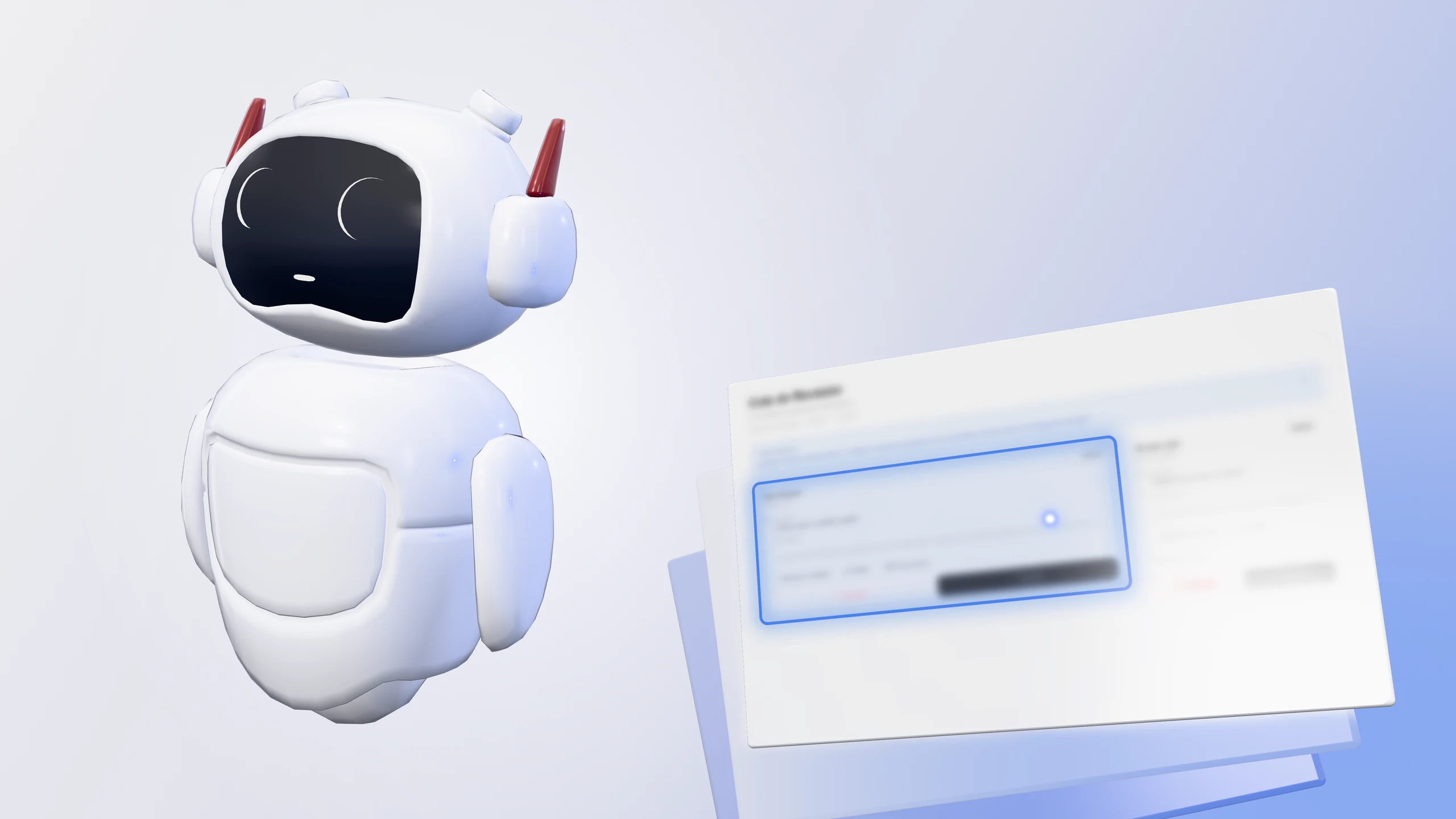
The assistant, Esser, follows the same rule. It reads the same pipeline as the team and can prepare an action, but what it drafts lands in the same queue as everything else. An assistant with its own route out of the product would be a hidden permission.
One consequence is worth writing down on its own: a rejected draft should never leave by another route. That is easy to forget when an export, a bulk send or an integration is added months later. Every new route out has to pass the same rule. The full story is in Leadesse and human review.
What permissions should AI have inside a product?
The ones you would give a new colleague: it may prepare work, but anything with an effect outside the product goes through a person. In Leadesse the AI drafts and every draft waits in a queue for someone to approve, edit or reject it; the assistant, Esser, prepares actions along the same route and has no exit of its own.
The decision is made again on the server
OWASP recommends denying by default and checking permissions on every request. Hiding a control improves the experience; it does not stop anyone sending the same request without it.
We apply that even to something as small as our contact form. In the browser the fields have their limits: required, with a minimum and maximum length, the email shaped like an email. On the server the same request is checked again against its own schema, because what reaches the server need not have come from our form.
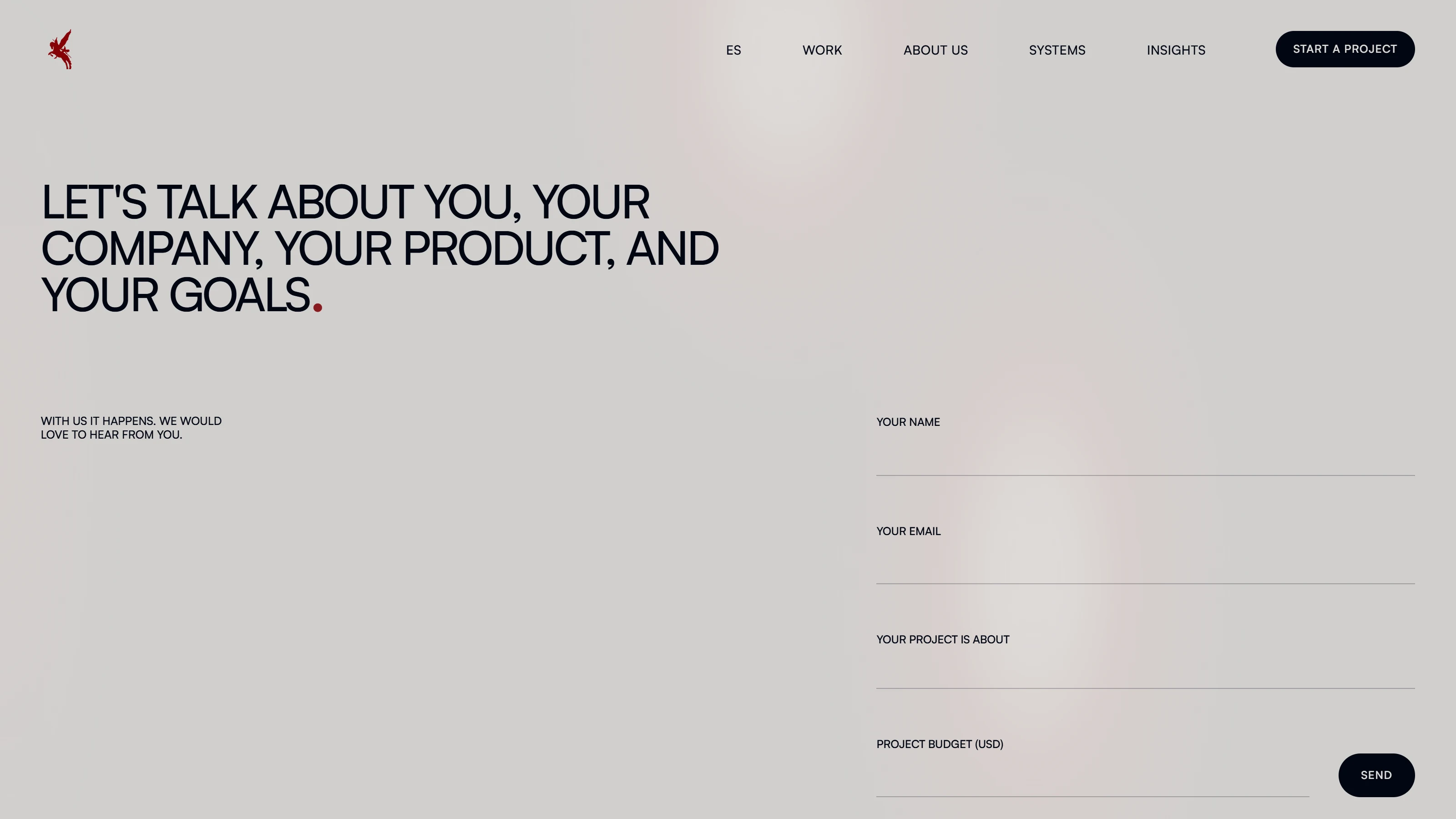
There is a second detail that applies to any refusal: what you tell someone who may not pass. The form carries a trap field a person never sees; if it arrives filled in, the server answers that all went well and sends nothing. Whoever is automating the form never learns the trap went off. On a platform, the equivalent is answering a request for someone else's record without even confirming it exists.
Hidden is not withheld
The subtler version of the hidden button is hidden data. An interface can decline to show something and still have sent it to the browser, where anyone can read it in the page source.
It happened on this site. For a few hours in October, two projects on our work page had their links hidden behind a flag, with the addresses still written in the site's copy. That copy travels whole in every page's code, so the addresses were in the source of the entire site even though they showed up nowhere.
We fixed it the other way round: a project is now a link only if its copy carries an address, and nothing is hidden in the browser. The same goes for links to our sister line: while its switch is off, the site draws none of them. The rule holds for any platform: what a person must not see is not sent to them, rather than sent and covered up.
The same role can have different boundaries
Now take a hypothetical maintenance platform, which describes no client's security and no feature Kavaliero has delivered. Two companies use it, and each has supervisors. Sharing a role name should not give either of them access to the other company's jobs.
Inside one organisation there are limits too: a technician assigned to one building, a regional manager, an outside reviewer who only sees one document. Those relationships often matter more than adding another role to a list, and the interface has to reflect them: an organisation switcher or a read-only badge must match a real rule, not be decoration.
Permissions change while the page is open
A supervisor opens a job and leaves the tab idle. Later they lose access. When they come back and save, the screen in front of them cannot decide on its own that the operation is still allowed; it has to ask.
Other transitions are worth specifying: a pending invitation, a deactivated account, a record already closed, someone moving to another team. In Leadesse the clearest one is a draft: approving it changes what can be done with it next, because it is now queued for the next send. Every change of state can change which actions make sense on the same open page.
The refusal needs careful wording. "Your access has changed; reload the page" is useful if the system knows that happened. If it does not, the message should not invent a cause.
A small matrix before designing every screen
To argue the scope, we would write something like this. It is a proposal for the hypothetical example, not a configuration ready for production:
Assigned technician · open job
  Read details and add progress.
  No changing the organisation or managing users.

Supervisor · same organisation · open job
  Read, assign and change the schedule.

Closed job
  Decide separately who may reopen it.

Another organisation
  Deny access to the record.
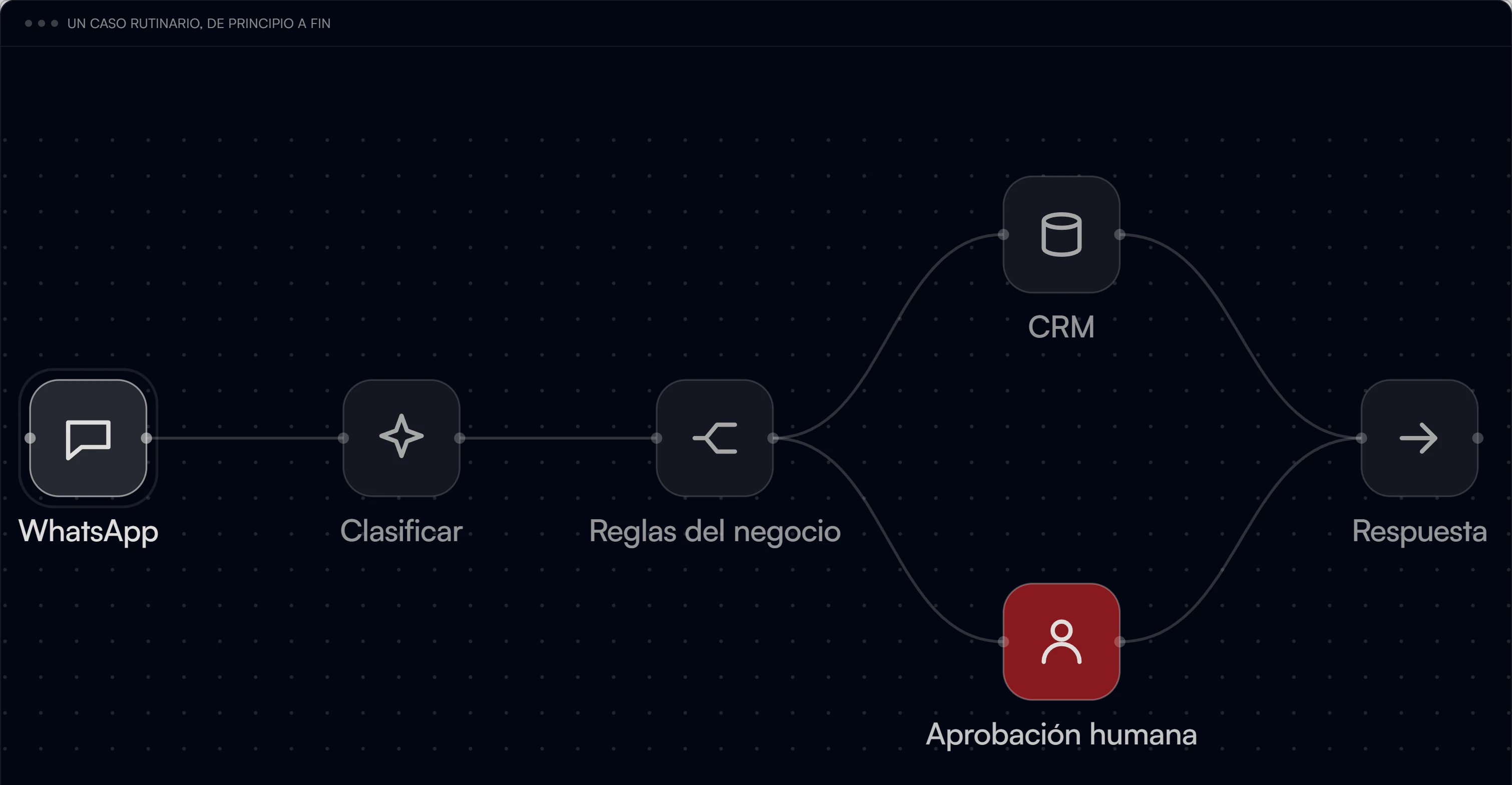
The matrix does not list buttons; it covers actions on data. Exporting, downloading a file, opening a direct address or acting on many records at once are operations too and each needs a row. In automation we do the same with thresholds: decide in advance which cases are approved on their own, which are corrected and which are stopped, as in the sample workflow on our automation page.
Test the boundaries, not only the happy path
- Try the same action with each relevant role.
- Repeat it on a record outside that account's scope, calling the server directly.
- Check what happens when the record's state changes with the page open.
- Remove access during an open session and try the operation again in the test environment.
- Cover exports, files and operations on many records.
- Read the page source: what is not shown should not be there either.
- Confirm that a refusal did not apply part of the change.
These checks are part of a permissions review; they are not a full security audit. For a real platform, how deep the review goes depends on its data and on what can be done with it.
A well-written permission makes the design easier to argue about: it says which control to show, when to explain a limit and which tests to ask for before accepting the product. An account that cannot do anything yet needs its screen too, as we cover in day one of a SaaS product. If you are commissioning a platform, how to brief a website helps bring these questions to the first meeting.
Related projects and insights
If your platform serves several teams or companies, put their boundaries in the brief. Drawing the roles together usually reveals product decisions still waiting to be made.
FAQ
Does removing a button prevent its action?
Not on its own. The system receiving the request has to check that the account may act on that data in that state, whether or not the request came from the button.
Are admin and user roles enough?
It depends on the product. You usually need to consider the organisation, the person's relationship to the record and the record's state, as well as the role's name.
What should you tell someone who tries something they may not do?
Enough to guide them without revealing what they should not know. Faced with someone else's record, it is better not even to confirm it exists. If the system knows why access changed, it can say so; if not, the message should not invent a cause.
Does hiding data in the interface protect it?
Not if the data reaches the browser. Anything sent in the page's code can be read, shown or not. What a person must not see is not sent to them.
Is a permissions review a security audit?
No. Trying every action with every role, on other people's records and across state changes is part of accepting a product. A full security audit goes further, and how deep it goes depends on the data and what can be done with it.